Wayfinding & Directional Signage
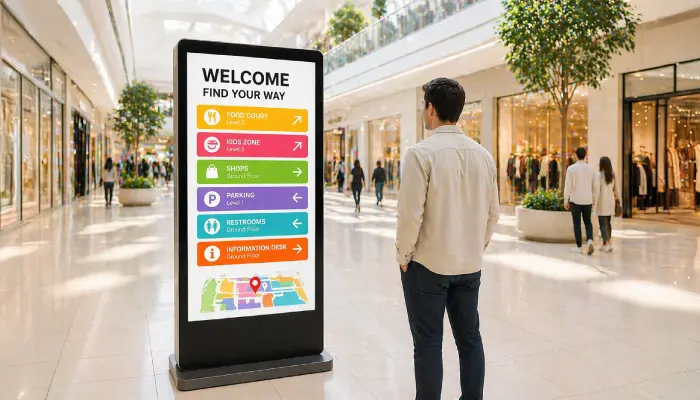
Guide visitors through complex buildings, campuses, and venues with clear, dynamic directional displays that reduce confusion and improve experience.
- Interactive and static floor maps
- Room and department directories
- Dynamic updates without reprinting
- Works on any screen size or orientation

Perfect for
Large venues, campuses, hospitals, and office complexes where visitors need clear navigation.
How it works
Set up your first screen in minutes. No technical skills required.
Map your space
Create floor maps, directional graphics, or embed an existing web-based wayfinding system using the Website App.
Set up directional screens
Mount screens at key decision points, entrances, elevators, intersections, and connect devices for instant display.
Publish your wayfinding content
Assign the right directional map or directory to each screen location. Screens update automatically whenever content changes.
Update without reprinting
When spaces are renamed, relocated, or reorganised, update the on-screen maps instantly from any browser, no printing, no delays.
Why Use Digital Wayfinding Signage?
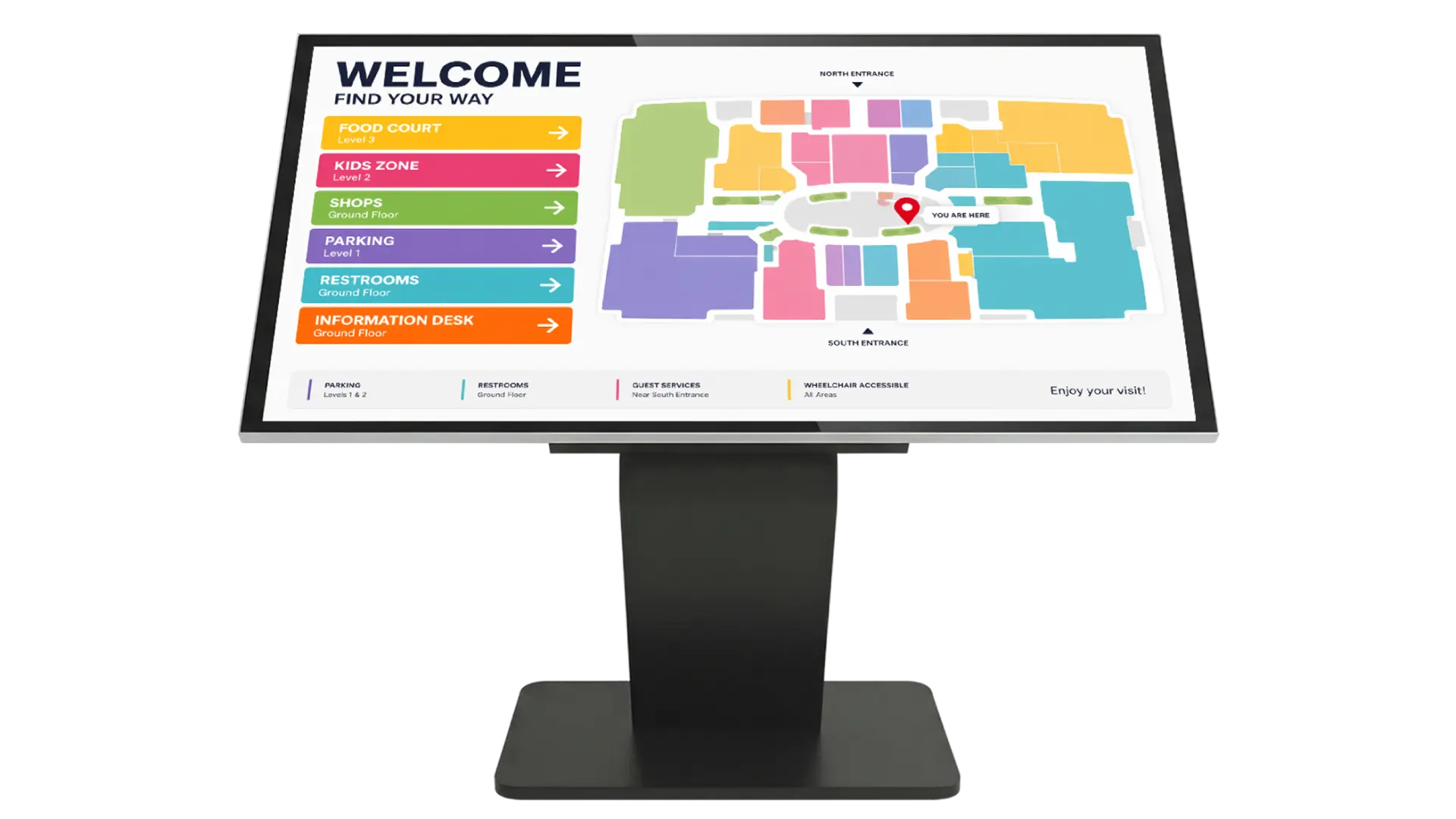
Clear wayfinding reduces visitor frustration, cuts staff interruptions, and creates a professional first impression in complex environments.
Reduce Staff Interruptions
Visitors find their own way with clear on-screen directions, freeing staff from repeatedly answering "where is...?" questions.
Dynamic Map Updates
Update floor plans, room numbers, and department locations instantly when spaces change; no reprinting required.
Multi-Floor & Multi-Building
Cover entire campuses or multi-story buildings with a coordinated network of directional screens managed from one dashboard.
Website App Integration
Embed an existing web-based wayfinding map directly on your screens for a fully interactive navigation experience.
Portrait & Landscape Ready
Deploy on vertical kiosk screens or horizontal wall-mounted displays. EasySignage adapts to any orientation.
Emergency Overrides
Push emergency evacuation routes or urgent directional notices to all wayfinding screens instantly from any browser.
Recommended apps
These EasySignage apps work best for wayfinding & directional signage.
Frequently asked questions
Ready to get started?
Set up your first wayfinding & directional signage in under 10 minutes.
Start for Free — 1 Screen ForeverNo credit card required. FREE for 1 screen!