University & Campus Signage
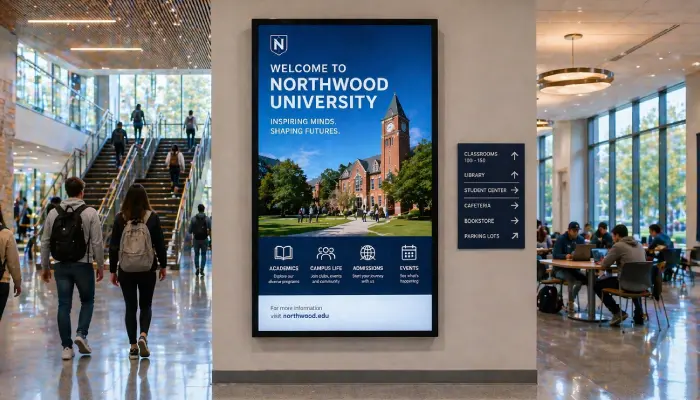
Keep students, staff, and visitors informed with event schedules, wayfinding, announcements, and emergency alerts across your entire campus.
- Campus-wide screen management
- Live event and timetable displays
- Emergency alert broadcasting
- Student and department announcements

Perfect for
Universities, colleges, and large educational campuses managing communication across multiple buildings.
How it works
Set up your first screen in minutes. No technical skills required.
Set up campus screens
Deploy screens or displays across all buildings. EasySignage dashboard manages every screen from one place.
Create your content
Use Google Slides, Canva, or the template editor to build event schedules, department announcements, or wayfinding displays.
Assign content by location
Show lecture schedules in academic buildings, club events in the student union, and directions in entrance halls.
Broadcast alerts instantly
Push campus-wide emergency notices or urgent announcements to every screen simultaneously.
Why Use Digital Signage on Campus?
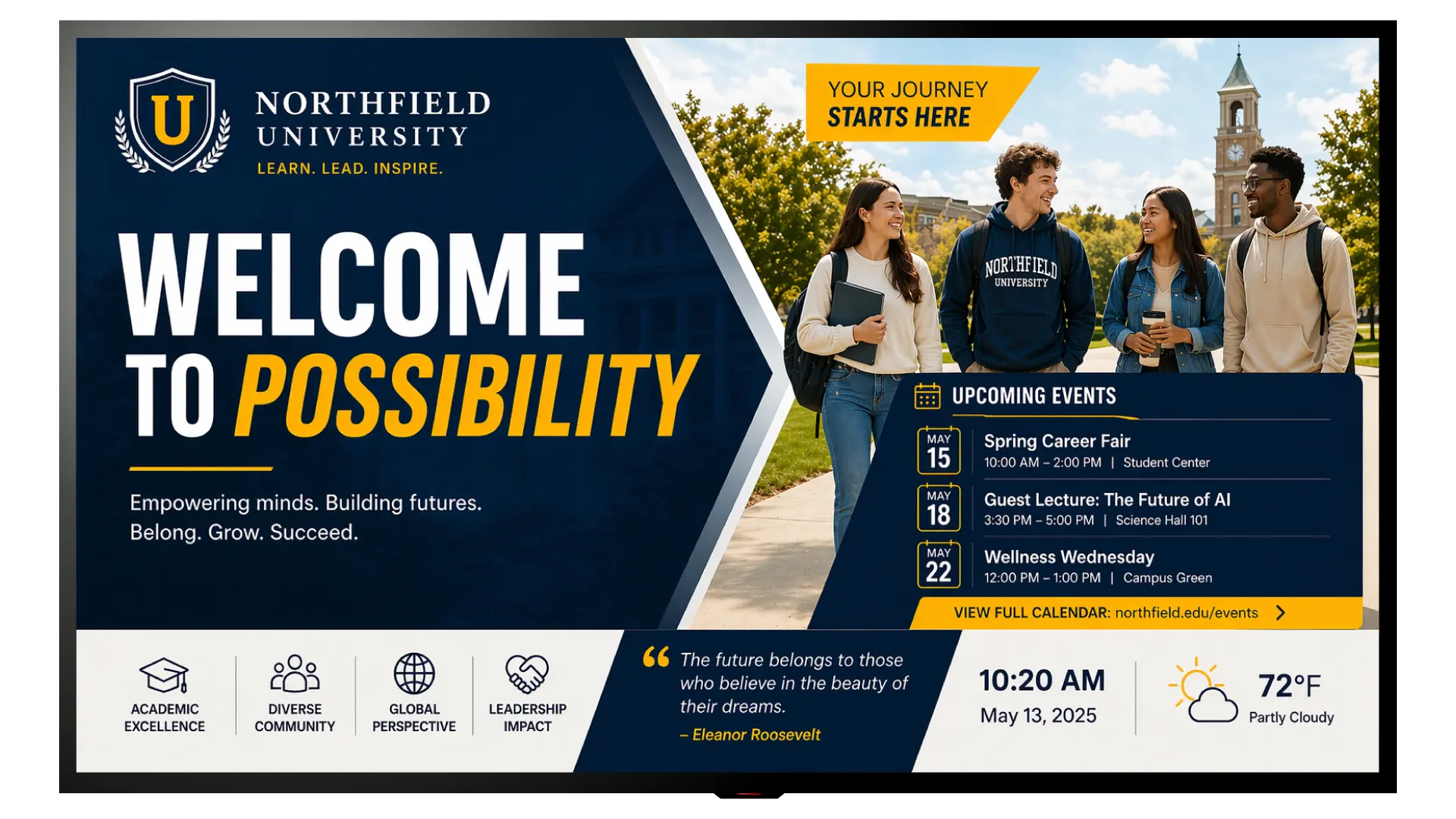
Campus digital signage keeps the entire university community informed, improves wayfinding, and creates a connected, modern campus experience.
Campus-Wide Management
Control screens across every faculty, building, and common area from a single dashboard, with role-based access for each department.
Live Timetables & Events
Sync Google Calendar to display live lecture schedules, exam timetables, and campus events automatically on relevant screens.
Emergency Alerts
Instantly broadcast emergency notices, evacuation instructions, or urgent campus-wide alerts to every screen simultaneously.
Canteen Menu Displays
Display daily food menus in canteens and dining halls using ready-made templates. Update meals in seconds without reprinting anything.
Department Announcements
Let each faculty or department manage their own screens with tailored content while IT maintains central oversight.
Student Engagement
Promote clubs, societies, career events, and student services on screens in high-traffic areas like libraries and canteens.
Replace Printed Noticeboards
Eliminate outdated posters and printed timetables; update content digitally in seconds and keep every screen across campus current.
Recommended apps
These EasySignage apps work best for university & campus signage.
Frequently asked questions
Ready to get started?
Set up your first university & campus signage in under 10 minutes.
Start for Free — 1 Screen ForeverNo credit card required. FREE for 1 screen!