Touchscreen Signage
Transform any display into an interactive touchscreen experience for browsing, ordering, self-service, and engaging customer journeys.
- Full touch interaction on any screen
- Built-in kiosk builder. No coding needed
- Tap-to-Start prompts and swipe navigation
- Auto-returns to idle signage when unused
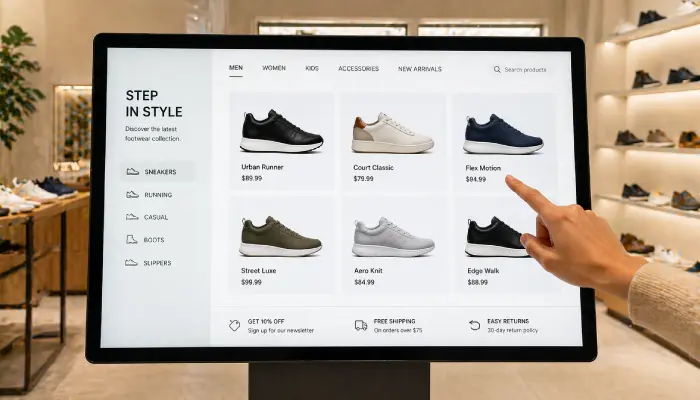

Perfect for
Retailers, hospitality venues, and public spaces offering self-service or interactive browsing.
How it works
Set up your first screen in minutes. No technical skills required.
Connect a touchscreen display
Install any supported touchscreen kiosk or tablet. EasySignage activates touch input automatically on compatible displays.
Set up your interactive content
Use the built-in Interactive Kiosk app to build multi-page experiences, or embed any existing website, ordering system, or web app
Configure idle signage
Set a screensaver timeout so the screen returns to displaying promotional content when not in use, maximising screen value.
Manage remotely
Update the embedded content, push new apps, or reboot screens from any browser without visiting the kiosk location.
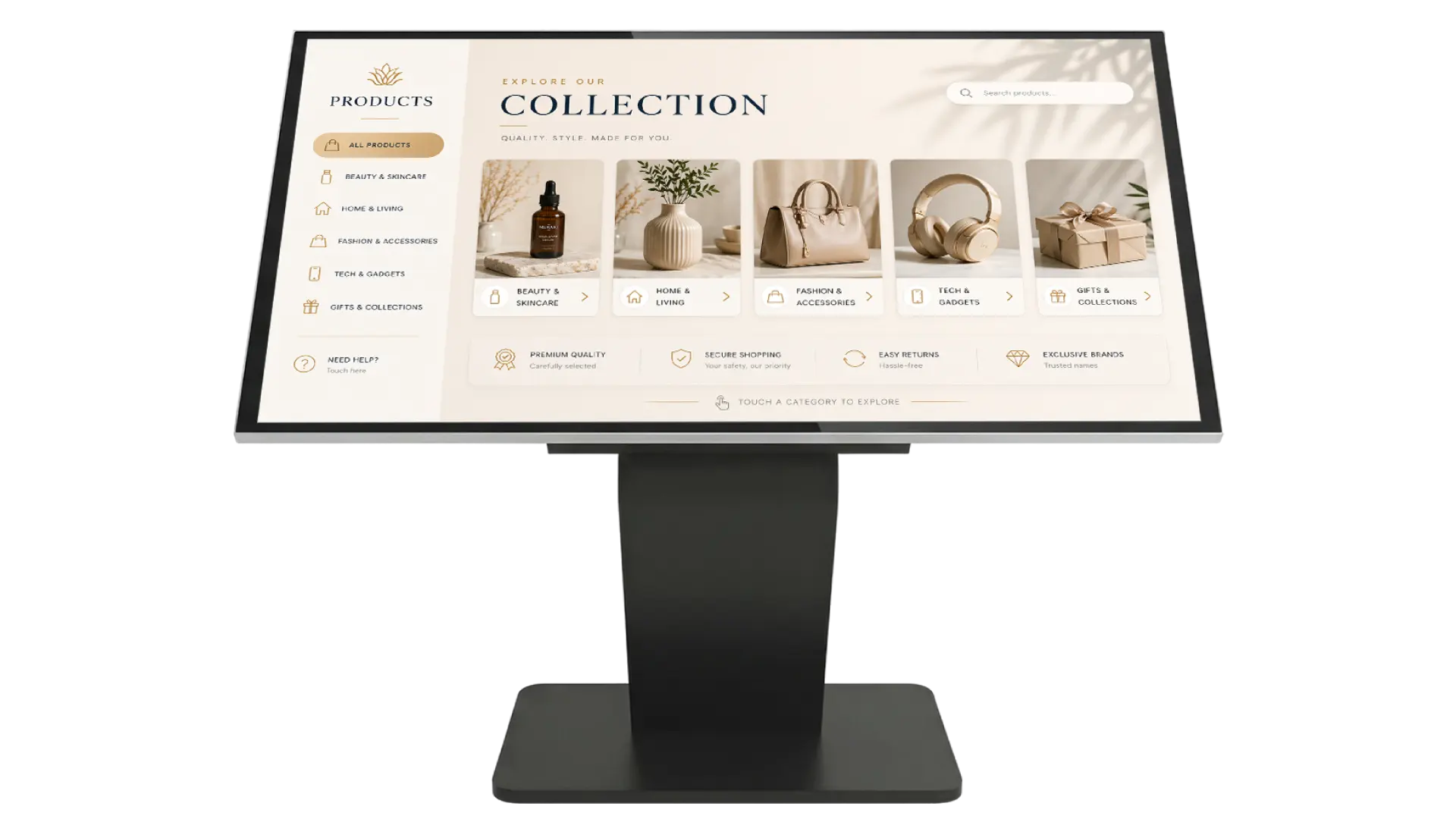
Why Use Touchscreen Signage?
Touchscreen signage puts control in the hands of your audience, creating memorable interactive experiences that drive engagement and conversions.
Works on Any Touchscreen
EasySignage activates touch on any compatible display, consumer TVs, commercial panels, or purpose-built kiosk hardware.
Interactive Kiosk Builder
Build multi-page interactive kiosks with a drag-and-drop editor; no coding needed. Choose from templates for retail, directories, wayfinding, hotel concierge, and restaurant menus.
Idle Signage Fallback
When not in use, the screen automatically returns to displaying promotional content, maximising screen value 24/7.
Self-Service Ordering
Let customers browse menus, configure products, and place orders without waiting for staff assistance.
Remote Management
Update touchscreen content, push new apps, or reboot screens remotely from any browser at any time.
Secure Kiosk Mode
Lock down the touchscreen to a single application or URL, preventing access to unintended content or system settings.
Recommended apps
These EasySignage apps work best for touchscreen signage.
Frequently asked questions
Ready to get started?
Set up your first touchscreen signage in under 10 minutes.
Start for Free — 1 Screen ForeverNo credit card required. FREE for 1 screen!