Lobby & Welcome Screen
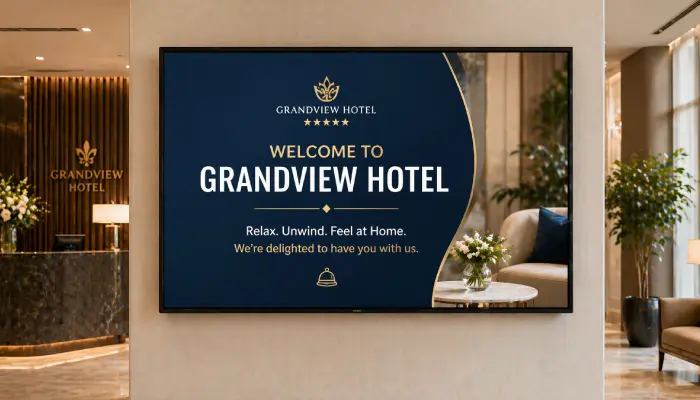
Greet visitors with branded welcome messages, event schedules, and wayfinding information that makes a great first impression.
- Personalised welcome messages
- Live event and meeting schedules
- Wayfinding and floor maps
- Brand-consistent design

Perfect for
Any business, office, or venue that welcomes visitors and wants to make a great first impression.
How it works
Set up your first screen in minutes. No technical skills required.
Design your welcome screen
Use Canva or the template editor to create branded welcome messages, visitor info, and event schedules.
Add dynamic content
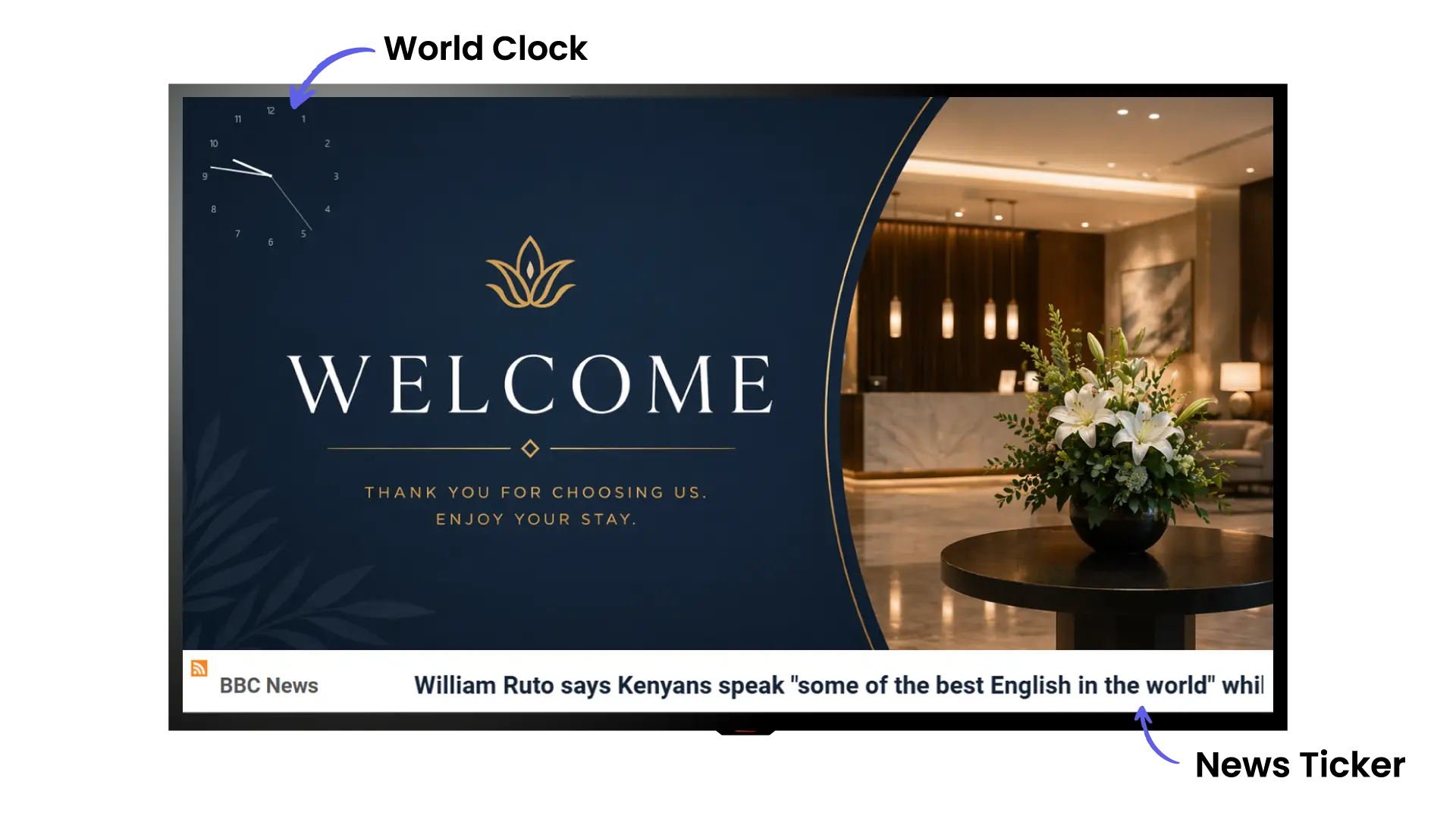
Connect Google Calendar for live event schedules, or add tickers for real-time announcements and news feeds.
Set up your display
Install EasySignage on any screen in your lobby, connect your account, and publish your content. Ready to go in minutes.
Update from anywhere
Change welcome messages, visitor info, or event schedules from your phone or laptop; updates instantly on screen.
Why Use Lobby & Welcome Screens?
First impressions matter. Lobby screens communicate professionalism, keep visitors informed, and reduce front-desk interruptions.
Live Calendar Sync
Pull today's meetings and events directly from Google Calendar or Outlook and display them automatically.
Personalised Welcomes
Display visitor names, company logos, or custom messages to make guests feel expected and valued.
Wayfinding Made Easy
Show floor plans, room directions, and building maps so visitors can navigate without asking for help.
Always On-Brand
Use Canva integration to design screens that perfectly match your brand colours and style guidelines.
Reduce Reception Load
Automated check-in info and directions mean fewer interruptions for your front-of-house team.
Multi-Location Ready
Manage lobby screens across all your offices or properties from a single dashboard.
Recommended apps
These EasySignage apps work best for lobby & welcome screen.
Frequently asked questions
Ready to get started?
Set up your first lobby & welcome screen in under 10 minutes.
Start for Free — 1 Screen ForeverNo credit card required. FREE for 1 screen!