Library Digital Signage
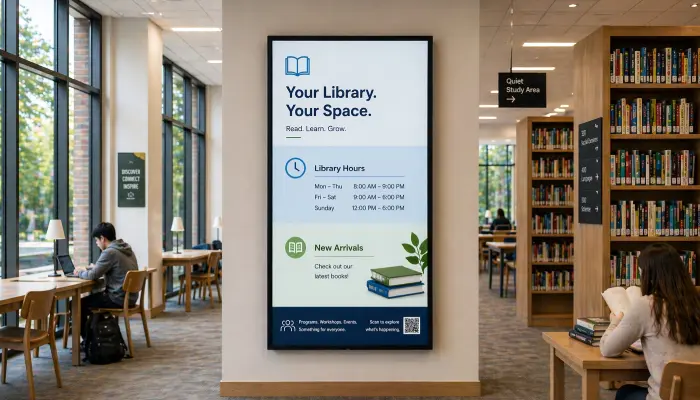
Display opening hours, new arrivals, event programs, and community notices on screens throughout the library to keep visitors informed without disrupting the quiet environment.
- Opening hours and service announcements
- New arrivals and featured collections
- Event and program schedules
- Silent, no audio needed

Perfect for
Public and academic libraries looking to inform patrons and promote services and events.
How it works
Set up your first screen in minutes. No technical skills required.
Set up your screens
Install EasySignage on any screen in the library; ready in minutes with no IT support or technical skills needed.
Create your content
Design opening hours, event schedules, and new arrivals displays using Google Slides or Canva; tools your staff already know.
Schedule for the day
Set different content for morning, afternoon, and evening, or schedule seasonal programs and holiday hours in advance.
Update from the desk
Make content changes from any device and they appear instantly on library screens; no need to touch the hardware.
Why Use Digital Signage in Libraries?
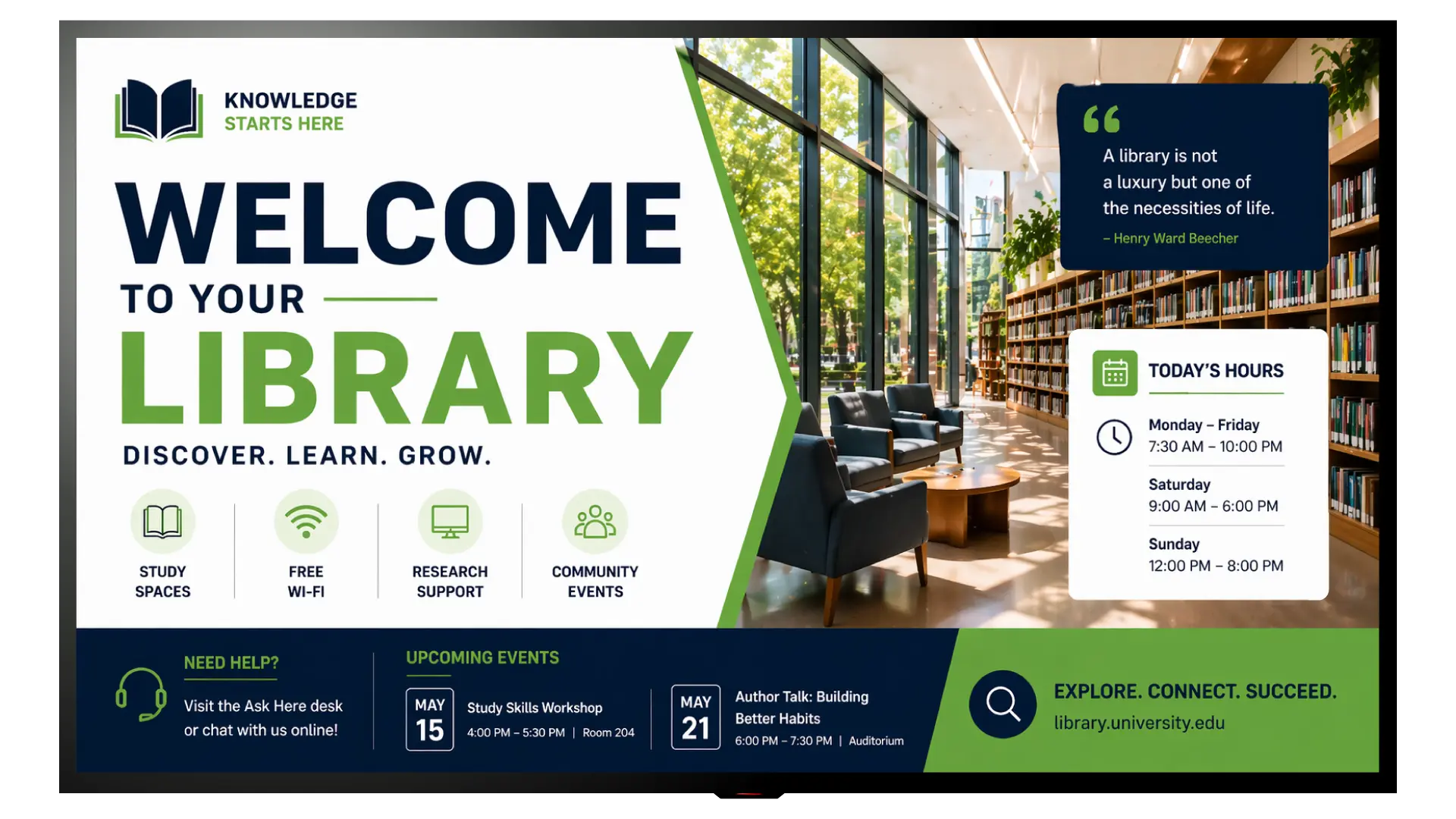
Library screens communicate essential information visually and silently, improving visitor experience without disrupting the quiet study environment.
Silent Communication
Screens deliver information visually without audio, perfectly suited to the quiet and focused atmosphere of a library.
Opening Hours & Notices
Display current opening hours, holiday closures, and service changes automatically; always accurate, never outdated.
New Arrivals & Promotions
Showcase new book arrivals, featured collections, and reading recommendations to encourage exploration and borrowing.
Events & Programs
Promote author talks, reading groups, children's programs, and community events with visually engaging screen content.
Community Notices
Display local council announcements, community events, and public health information to serve your broader community.
Interactive Book Search Kiosk
Turn any touchscreen into a self-service book search kiosk. Visitors can search for titles, check availability, and find the exact shelf location, without asking staff for help.
PDF Book Previews
Upload PDF book previews, reading lists, or featured excerpts and display them on screens to attract interest and drive borrowing.
No Printing Required
Replace printed posters, flyers, and noticeboards with digital screens. Update content instantly without any printing costs or waste.
Recommended apps
These EasySignage apps work best for library digital signage.
Frequently asked questions
Ready to get started?
Set up your first library digital signage in under 10 minutes.
Start for Free — 1 Screen ForeverNo credit card required. FREE for 1 screen!