Digital Advertising (DOOH)
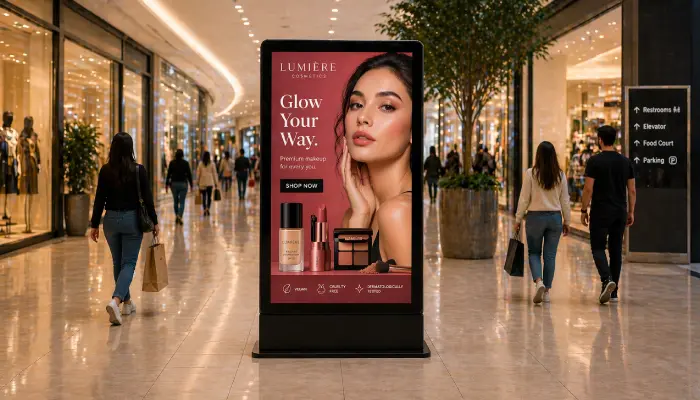
Monetise your screens by selling ad space with proof of play reporting, media playback quotas, and precise scheduling for advertisers.
- Proof of play reporting for advertisers
- Media playback quota controls
- Precise scheduling by time and date
- Multi-advertiser screen management

Perfect for
Venue owners, network operators, and out-of-home advertisers looking to monetize their screens.
How it works
Set up your first screen in minutes. No technical skills required.
Upload advertiser creative
Accept ad creatives from Google Drive or direct file uploads and assign them to the screens and time slots.
Tag and target screens
Tag screens by location, brand, or advertiser. Assign campaigns to the right screens without manual filtering. One tag targets dozens of screens at once.
Schedule your campaigns
Set precise run times, frequencies, and playback quotas per advertiser so every campaign runs exactly as booked.
Generate proof of play
Download detailed playback reports to show advertisers exactly when, where, and how many times their ads appeared.

Why Use EasySignage for DOOH?
EasySignage gives venue owners and media networks all the tools they need to run a profitable digital out-of-home advertising operation.
Proof of Play Reports
Generate detailed playback reports to show advertisers exactly when and how many times their ad played.
Precise Ad Scheduling
Schedule ads to run in specific time slots, on specific days, and on specific screens for maximum targeting.
Multi-Advertiser Management
Manage campaigns for multiple advertisers simultaneously with individual scheduling and reporting per client.
Loop-Based Ad Rotation
Set how frequently each ad appears within a content loop, control share of voice and ensure fair exposure across all advertisers.
Remote Screen Control
Push new creatives, update schedules, or swap campaigns across all screens instantly from any browser. No site visits required.
Tag-Based Campaign Rules
Tag screens by location or brand, then build campaigns that automatically target the right screens. One rule can push different creatives to indoor screens or outdoor screens, without manually selecting each one.
External Content Sources
Pull media and programmatic ads automatically from external CMSs via MRSS feeds or dynamic JSON. No manual uploads needed.
Any Screen, Any Location
Run your DOOH network on any display, from single-screen venues to multi-location networks, all managed from one dashboard.
Recommended apps
These EasySignage apps work best for digital advertising (dooh).
Frequently asked questions
Ready to get started?
Set up your first digital advertising (dooh) in under 10 minutes.
Start for Free — 1 Screen ForeverNo credit card required. FREE for 1 screen!