This help page walks you through installing the EasySignage app directly from the Google Play Store on your digital signage screen, showing how to find, install, and launch the EasySignage app.
How to install EasySignage from Play Store
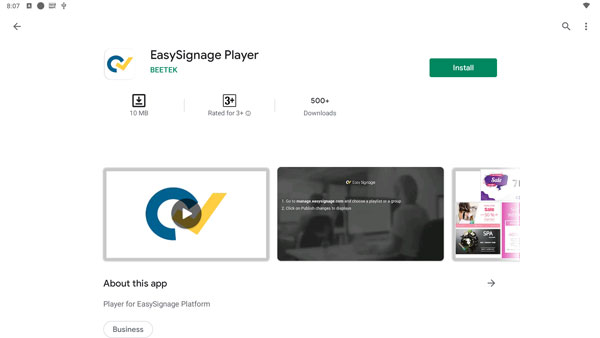
- Go to the Play Store on your screen
- Search for “easysignage”
- Press on Easysignage when you get it in the search results
- Press on Install and wait for it to finish
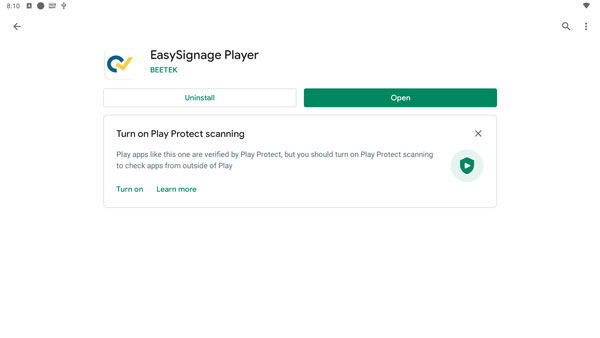
- Press on Open
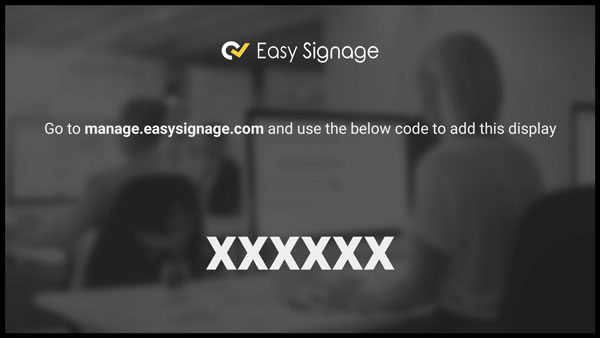
- Wait for a few seconds, the hash will appear
- You can now add your screen from the management console
If you would like to install it from a computer browser to your screen, click on the following link: “Play Store”.