Unsplash is a library of free, high-quality stock photos. Search it from the CMS and add a photo to your playlist in one click, with no download or upload.
How to Add an Unsplash Photo
- Open the playlist, then click the layer. See Playlist Media Management .
- If the layer is empty, the content apps open. If it already has media, click Add New.
- Click Image Libraries, then Unsplash.

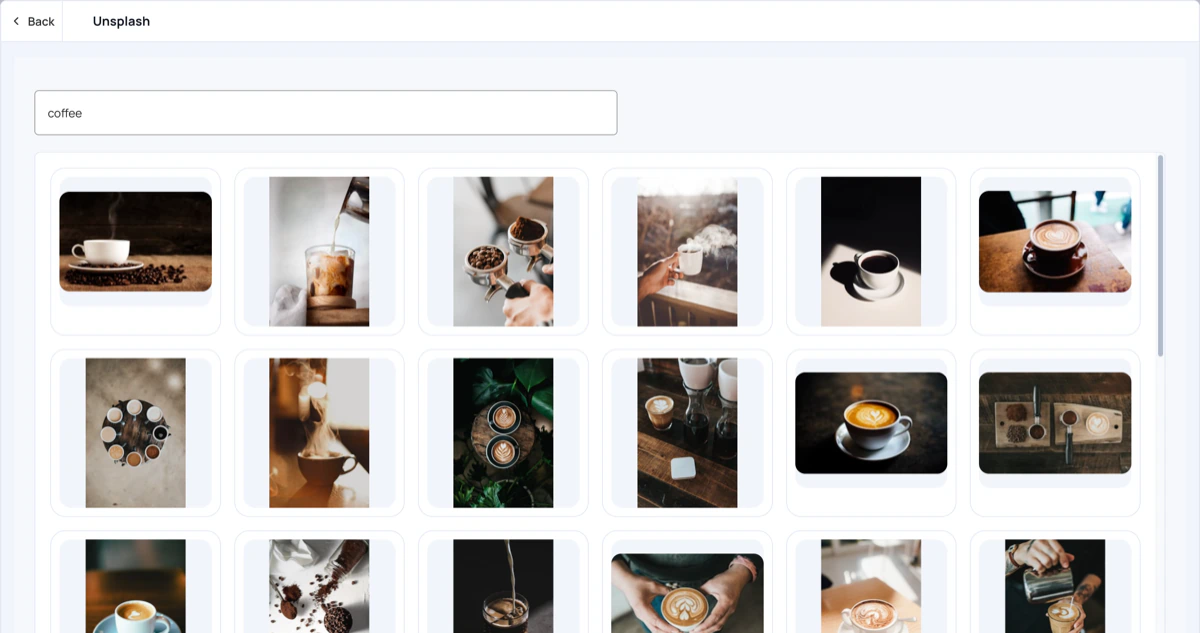
- Type what you are looking for in Search for free images, for example
coffee, and press Enter. - Click a photo to add it to the layer.
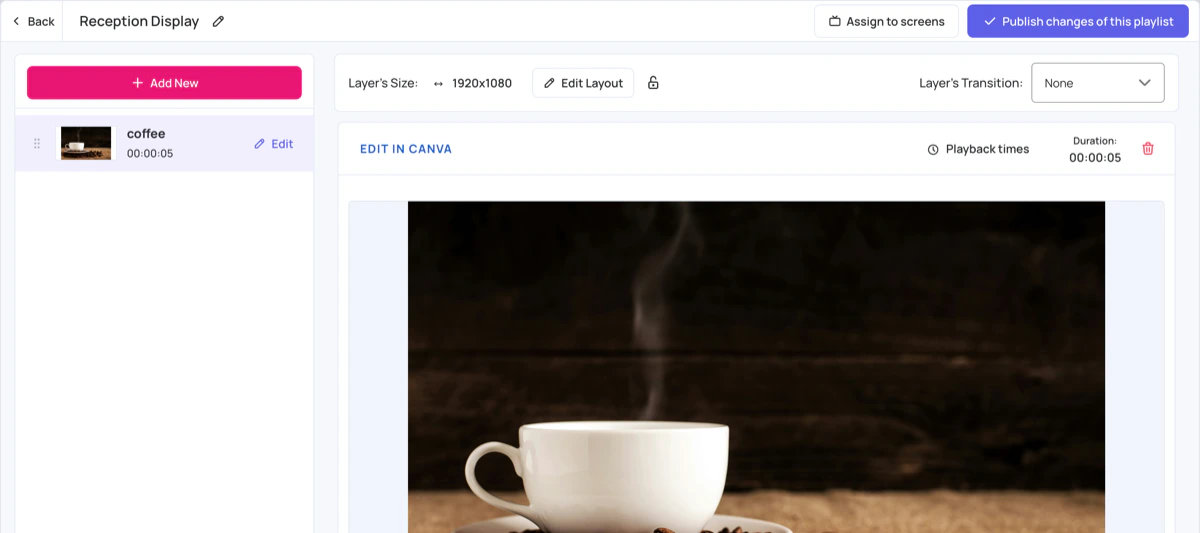
- The photo is added to the layer like any other image. Click Edit next to it to change its settings, such as its duration. See Playlist Media Settings .
- Click Publish changes of this playlist to send it to your screens.
Other free image libraries work the same way: Pexels and Pixabay .