Show a TikTok video on your screens. Paste the video’s link and the CMS downloads the video and adds it to the layer like any other video, so it also plays offline.
Copy the Link from TikTok
- Open the TikTok video you want to show.
- Click Share, then Copy link.
Add a TikTok Video to a Playlist
- Open the playlist, then click the layer. See Playlist Media Management .
- If the layer is empty, the content apps open. If it already has media, click Add New.
- Click Social Media, then TikTok.

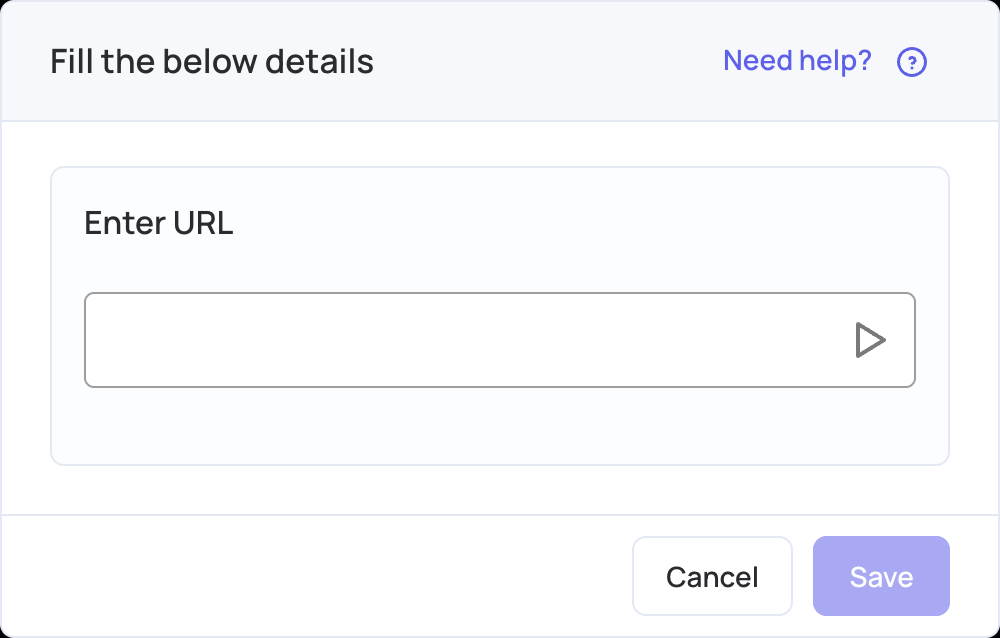
- In Enter URL, paste the link to the video.
- Click Save and wait for the video to download.
- Click Publish changes of this playlist to send it to your screens.
Each TikTok app adds one video. To show several, add the app once for each video. The video must be public.