The World Clock app brings a polished, professional time display to any digital signage screen. With 29 themes spanning classic analog dials and modern digital styles, you can find the perfect look for any environment, whether it’s a hotel lobby, corporate office, airport terminal, or retail space.
Themes
Choose from two theme families to match the visual style of your display:
Digital Themes
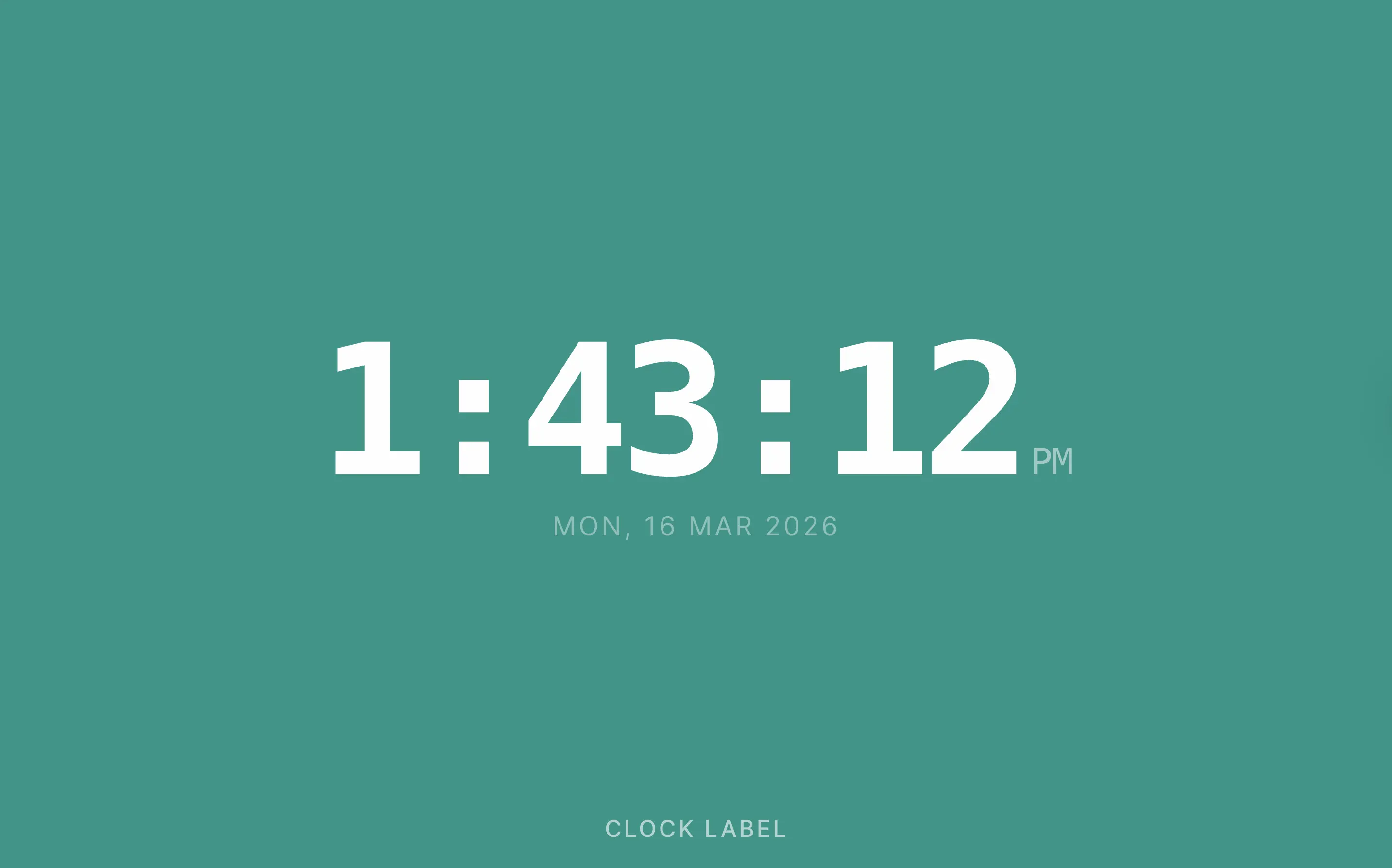
Digital themes offer a technology-forward aesthetic, with styles including Minimal, Neon, Flip, Rounded, Condensed, Dot Matrix, Glass, Outline, Block, Split Modern, and LED Bar.
Analog Themes
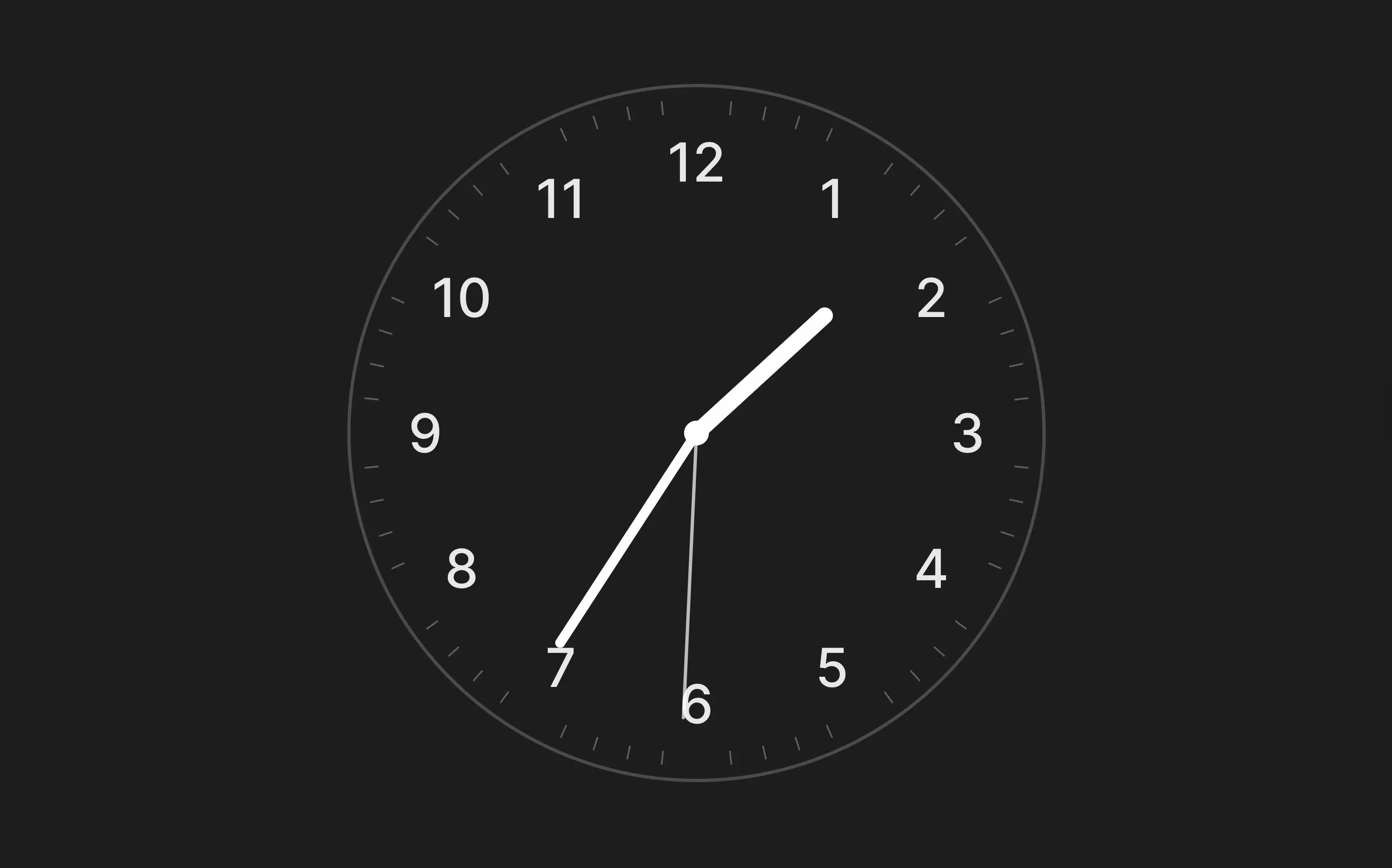
Analog themes provide a classic or contemporary dial look, with styles including Swiss, Chronograph, Gradient Dial, Ultra Minimal, Thin Line, Shadow Dial, Open Face, Bold Index, Sweep Modern, Classic Numbers, Roman Numerals, Art Deco, Modern Numbers, Sweep Numbers, Bold Numbers, Shadow Numbers, Minimal Numbers, and Chrono Numbers.
How to Add World Clock
- Open the playlist, then click the layer. See Playlist Media Management .
- If the layer is empty, the content apps open. If it already has media, click Add New.
- Click General Apps, then world-clock.

- Set the options, described below.
- Click Save.
- Click Publish changes of this playlist to send it to your screens.
Options
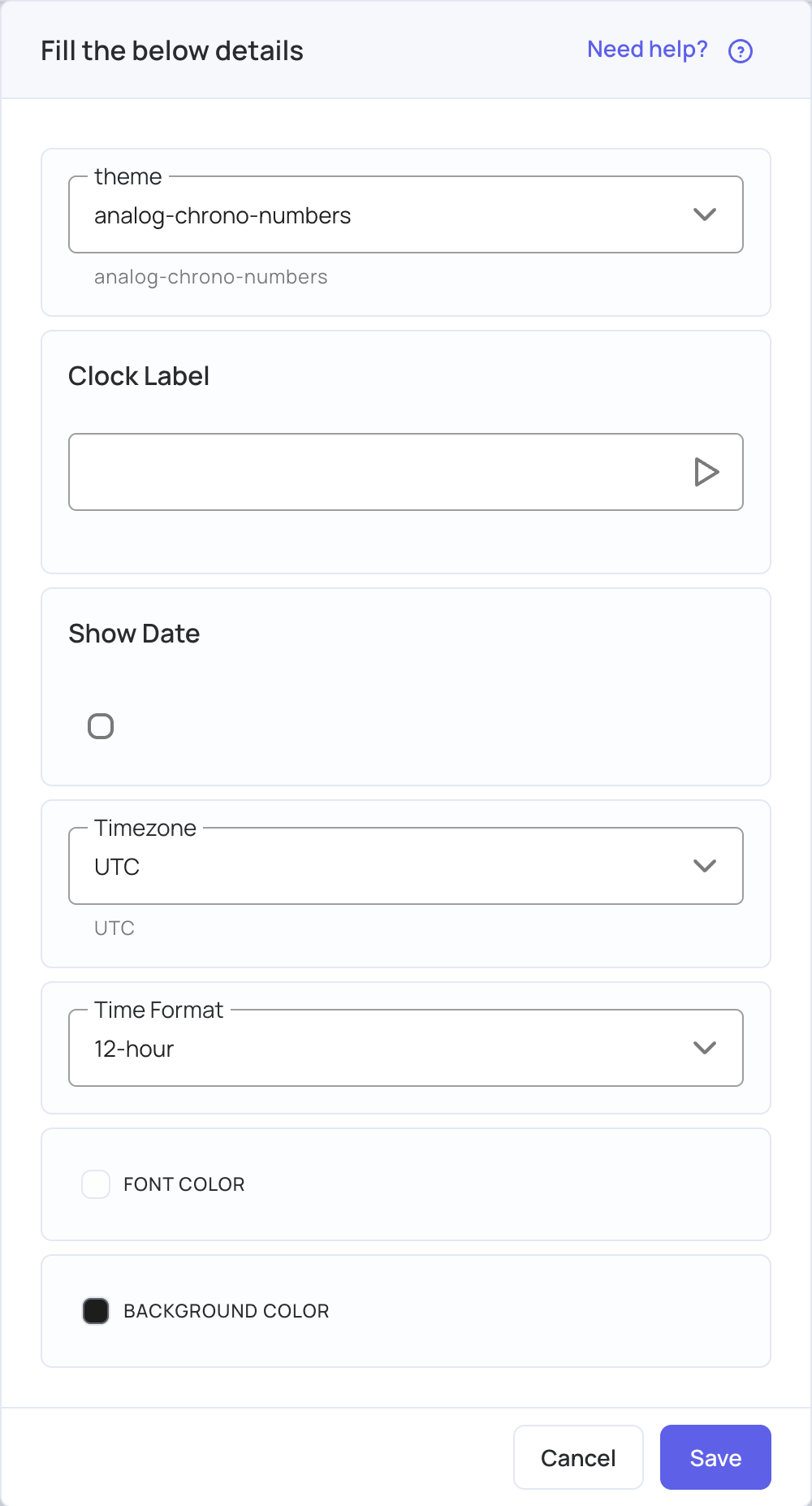
| Option | Description |
|---|---|
| Theme | The clock’s style: one of 11 digital and 18 analog designs. New clocks start with Analog – Chrono Numbers. |
| Clock Label | Optional text on the clock, such as a city, department or office. |
| Show Date | Tick it to show today’s date below the time. It applies to the digital designs only. |
| Timezone | The time zone the clock shows (UTC by default). Start typing a city, such as Sydney, and choose its time zone from the list, for example Australia/Sydney. |
| Time Format | 12-hour or 24-hour. |
| Font Color | The color of the digits, hands and label. Near-white (#fefefe) by default. |
| Background Color | The color behind the clock. Dark charcoal (#1d1d1d) by default. |
Use Cases
Use World Clock wherever people need the time at a glance. Show several clocks for different time zones on a split-screen layout for international teams or travellers. Use your brand colors and a custom label to match your corporate identity. In hotels and transport, a clock looks professional and keeps guests informed.