This section turns on proof of play for your account. Proof of play records every time a media item plays on a screen, so you can prove that ads and campaigns ran and see what plays most.
How to turn on proof of play
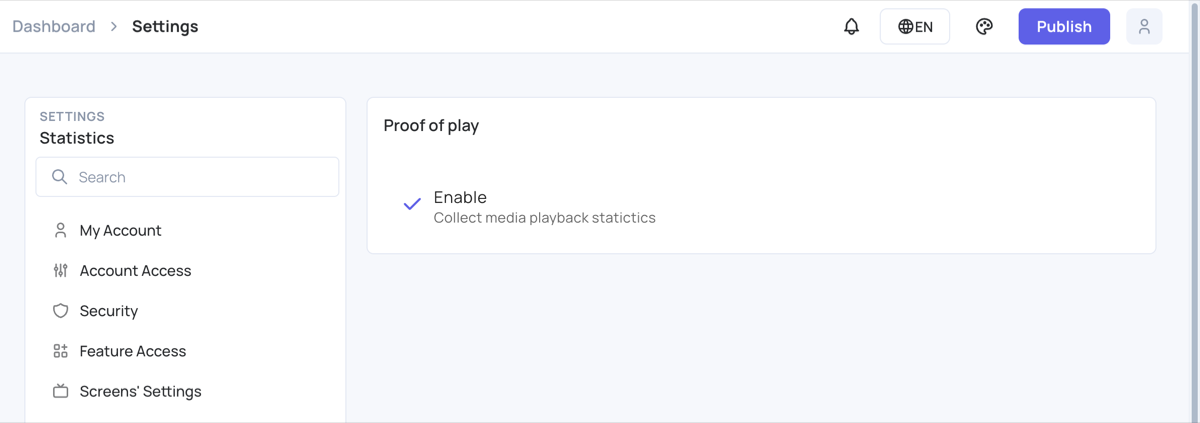
- Click Settings in the menu on the left, then Statistics.
- Under Proof of play, tick Enable. The change is saved straight away and reaches your screens the next time you publish them.
Proof of play only counts media you turn it on for. To choose the media and to preview and export the records, see Proof of Play .