The Media Settings section allows you to configure the default behavior of media files when they are added to playlists. These settings help streamline content management by automatically applying predefined options to images and videos, saving time when building playlists.
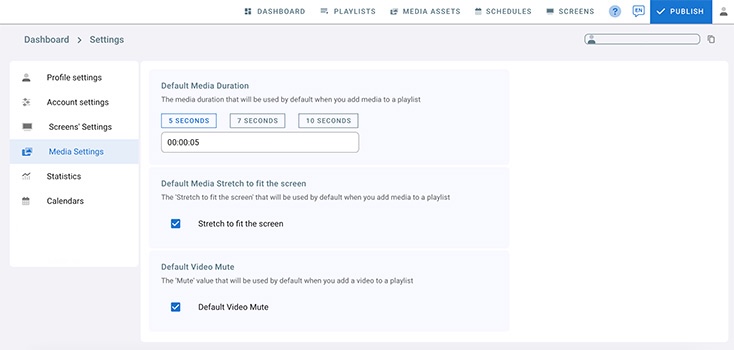
Default Media Duration:
This is the default media duration that will be used when you add media to a playlist.
you can click 5 seconds, 7 seconds, 10 seconds, or enter a value manually.Default Media Stretch to fit the screen:
Check this box “Stretch to fit the screen” if you want your media (image or video) to fit by default the whole layer size without respecting the width to height ratio. If you want your media to be displayed by default with its original size irrespective to the layer size uncheck it.Default Video Mute:
This setting will mute videos by default when a video is added to a playlist.
N.B: Check these settings before uploading media to your account to take action.