This page shows how to access and review system logs in EasySignage, including playback events, errors, and screen activity.
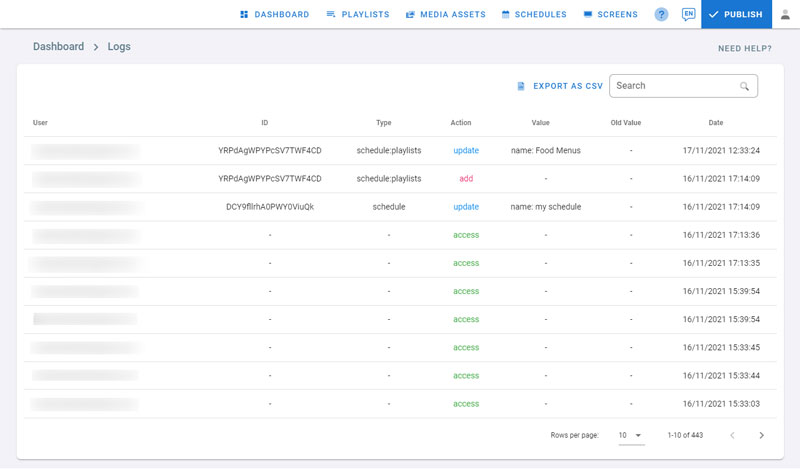
Logs provide a detailed record of user activity within EasySignage, helping you track actions, monitor changes, and troubleshoot issues across your digital signage account.
- Click on the profile icon on the top right corner
- Click on Logs
- View the activity and type in a search text to filter the logs results
- Click on the headers to sort the results(for example by date)
- Click on Export as CSV to save the log report in a csv file