Learn how to switch between your main EasySignage account and the sub-user account you are managing.
To access the Account Settings, click on the profile icon in the top right corner. From the drop-down menu list, select Settings.
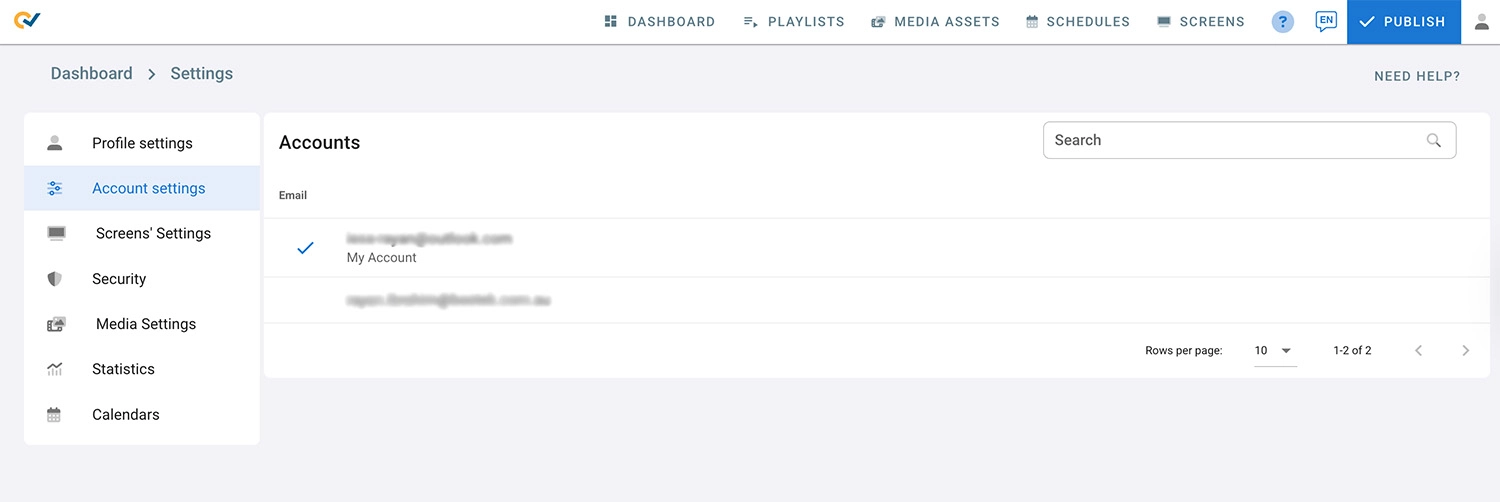
- Select Account Settings.
- Under account settings, you have the account you own, it’s the one you registered with.
- There should be a list of all the other accounts you have been granted access to by other users.
- To switch to another account click on it.
- The account you are currently managing is marked with a check mark.