External/Internal Website App
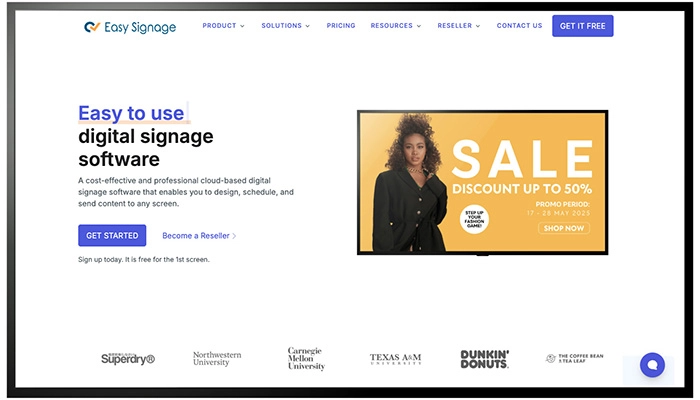
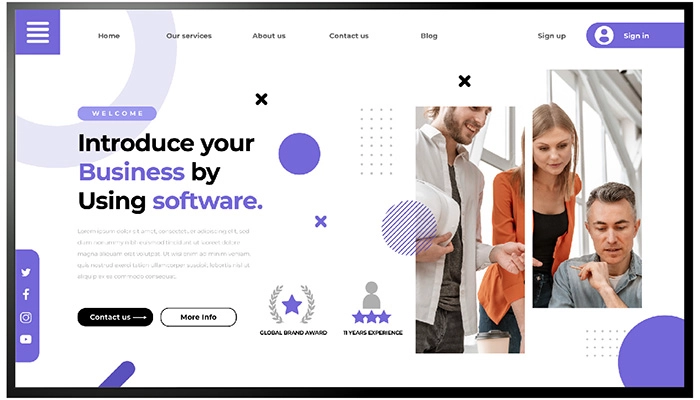
Display any website, web app, or shared online resource on your digital signage with the Website App. Simply input the URL, and you're ready to showcase dynamic, real-time content seamlessly on your screens.

About This App
It is becoming more common for businesses to use internet apps as a method of engaging with their customers through making use of digital signage devices. This kind of interaction may take place between a company and its customers. Displaying almost any website, web application, or shared resource on the screens of a company’s digital sign systems does not need the installation of any supplementary hardware or software if the company uses a website app.
The only thing that is necessary is the website’s URL, and the software for the website will take care of everything else. This feature is especially beneficial for businesses that need data or information that is updated in real time, such as stock prices, feeds from social media, or results from online polls.
Since companies are now able to easily update the information that is shown on their digital sign displays with the most current information by using a website app, the necessity for complex coding or programming has been eliminated.
Businesses have the option to broaden their digital signage capabilities and provide content that is not only helpful but also fascinating to the customers they serve by making use of applications that are hosted on their websites.
Key Features
Display any external or internal website on your digital signage screen
Show live web content including dashboards, portals, stock feeds, and web apps
No additional hardware or software required
Content updates in real time directly from the source; no manual refresh needed
Set a custom refresh interval to reload the page at your preferred frequency
Display websites fullscreen or alongside other content in a multi-zone layout
Ideal for internal tools, booking systems, live data feeds, and company intranets
Need help setting up?
Follow the step-by-step setup guide to get started quickly.