Outlook Calendar
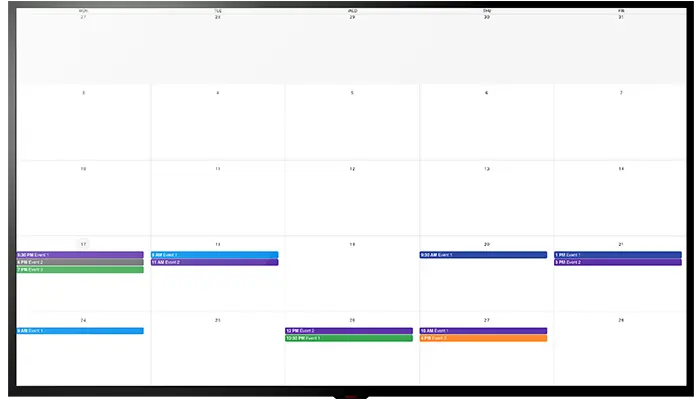
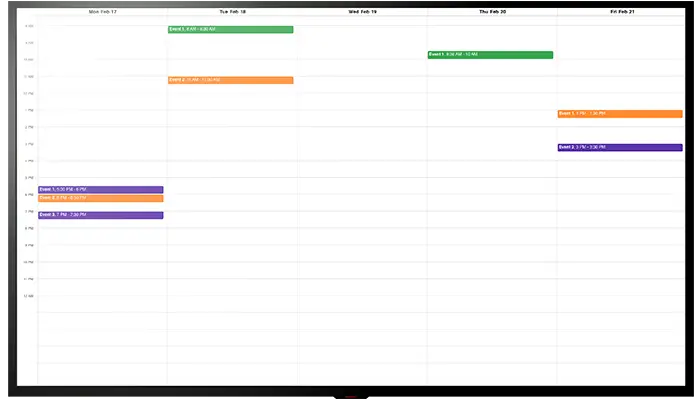
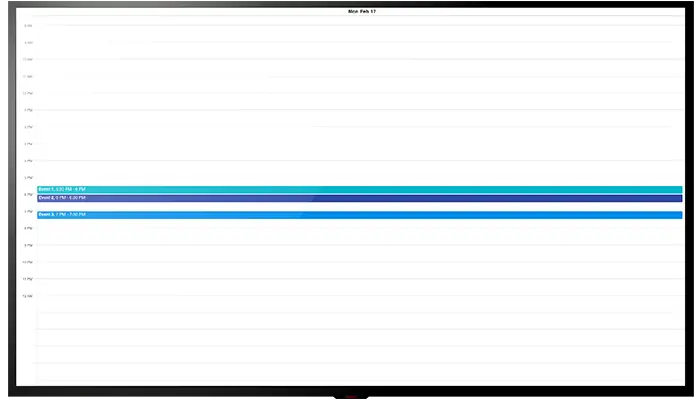
Display schedules and events from your Outlook Calendar directly on your digital signage screens to keep your audience informed and engaged. Users can easily switch between day, week, or month views to access the most relevant timeframe.

About This App
Connect your Outlook Calendar with EasySignage digital displays to keep your audience updated with current event information. Outlook Calendar, a widely trusted scheduling tool for meetings, appointments, and key dates, now seamlessly connects with EasySignage to display your schedules and events on digital screens.
This solution is ideal for companies, schools, and organizations that want to keep staff, students, or visitors always informed of important events. Users also have the flexibility to switch between day, week, month, or list view, ensuring they can quickly access the most relevant timeframe for their needs.
The setup process is quick and straightforward. By combining Outlook Calendar with EasySignage, you can create an engaging environment that delivers timely notifications with minimal effort. This streamlined approach simplifies content management while enhancing your overall communication strategy.
Key Features
Display your Outlook Calendar events and schedules on any digital signage screen
Syncs automatically; new and updated events appear on screens without manual steps
Switch between day, week, month, or list view to show the most relevant timeframe
Keep staff, students, and visitors informed of meetings, deadlines, and upcoming events
Works with Microsoft 365 and Outlook accounts
Display the calendar fullscreen or alongside other content in a multi-zone layout
Need help setting up?
Follow the step-by-step setup guide to get started quickly.