On This Day for Digital Signage
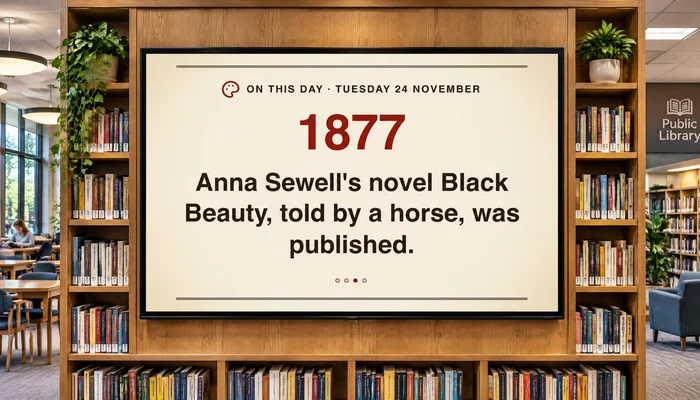
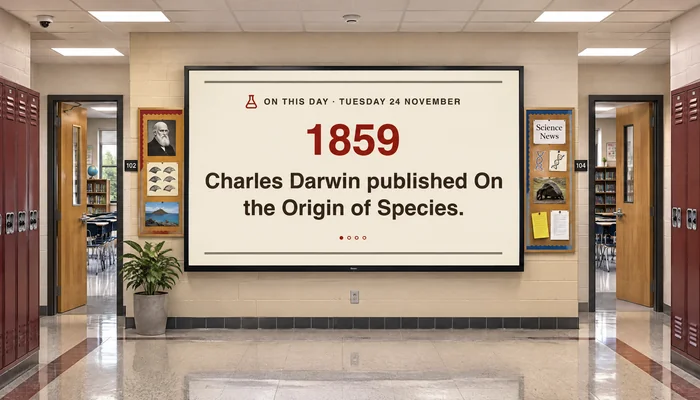
The On This Day app shows an event from history that happened on today's date. A new day starts at midnight by itself, in 13 languages, with your own anniversaries added.


What Makes It Different
Events for every day of the year
4 to 6 events are built in for each of the 366 days, so there is nothing to type or look up. The screen changes day at midnight.
Family-friendly by design
The events are short and leave out wars, disasters, crimes, politics and religion, so they suit schools, clinics and receptions.
Your own anniversaries
Add up to 50 dates of your own, such as the day you opened. They show first on their date every year, marked "From our history".
13 languages
Show the events, the "On this day" line and the date in English, Spanish, Arabic, Japanese, German, French and seven more.
A timeline of three
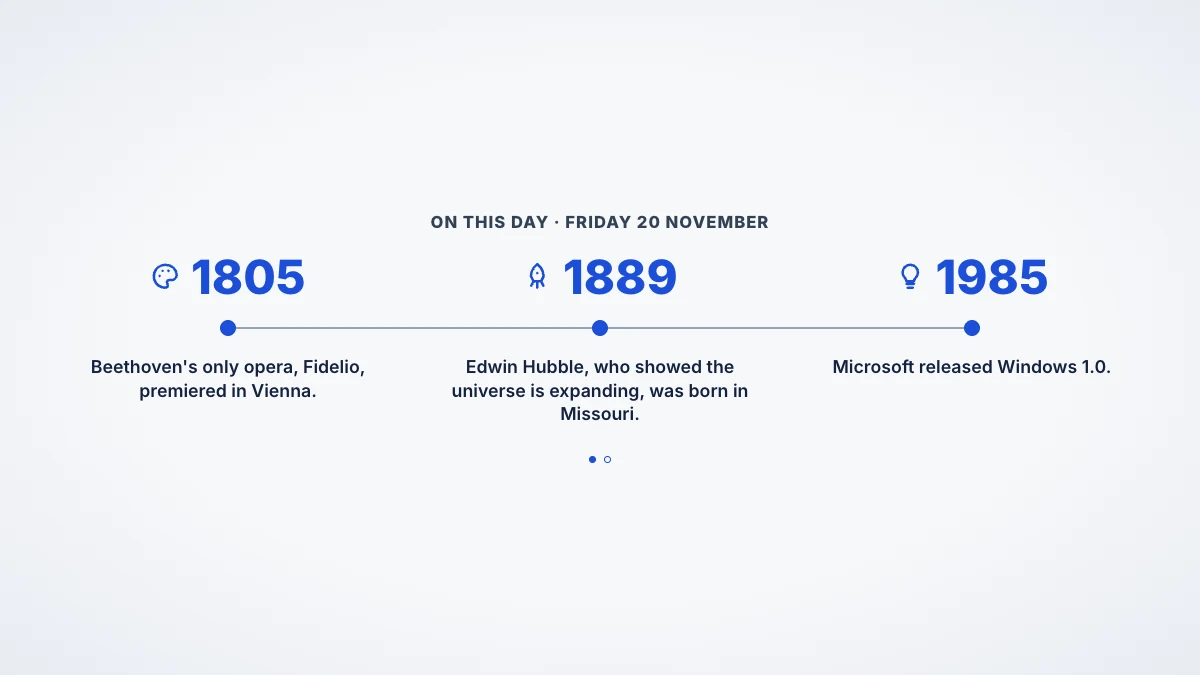
Show three of today's events side by side, oldest first, for a reception or waiting room where people look for longer.
Runs without internet
Every event and font is part of the app, so the screen keeps showing today's history if your connection drops.
About This App
The On This Day app shows short events from history that happened on today’s date: the year in large type, one line about what happened, and a small “On this day” line with the date. It changes to the next day at midnight by itself, so once it is in a playlist it needs no upkeep.
It gives people something new to read each day in a reception, waiting room, school corridor, library, café or staff break room. Mix it into a playlist between your own messages, or run it as a strip under other content.
For other date-based content, see the Date and Time apps, the Countdown app and the Christmas Countdown. The On This Day help guide explains every setting step by step.
A new piece of history every day
- One event at a time
- Timeline of three
- Once a day

Put your anniversaries on the screen
- Up to 50 anniversaries
- Your lines show as you type them, in any language

In your visitors' language
- English, Spanish, Arabic, Portuguese, Japanese, German and Turkish
- French, Italian, Dutch, Greek, Swedish and Korean
Key Features
Works in landscape, portrait and any layer size
The Strip layout fits a footer or ticker layer over a video or another app
Use the screen's time zone, or a fixed time zone you choose
Show or hide the "On this day" line, the date and the topic icon
Make everything larger or smaller, from 60% to 140%
A live preview in the editor shows each change as you make it
Frequently Asked Questions
Need help setting up?
Follow the step-by-step setup guide to get started quickly.