Digital Menu Board Software
The Menu Board app is digital menu board software for cafés, restaurants and bars. Type your dishes, prices and photos, and the app lays out the menu to fit the screen.
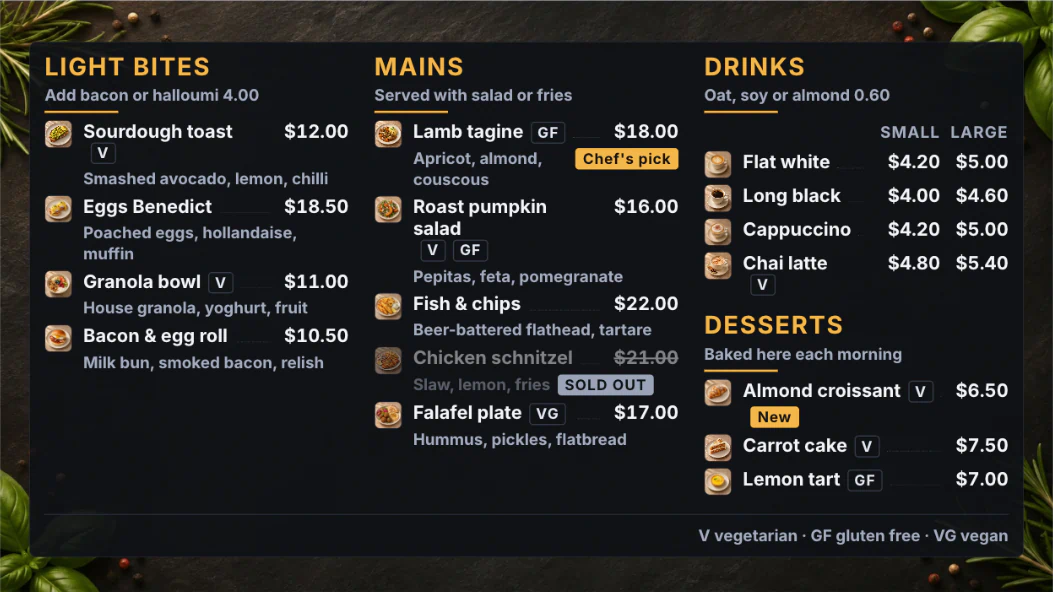
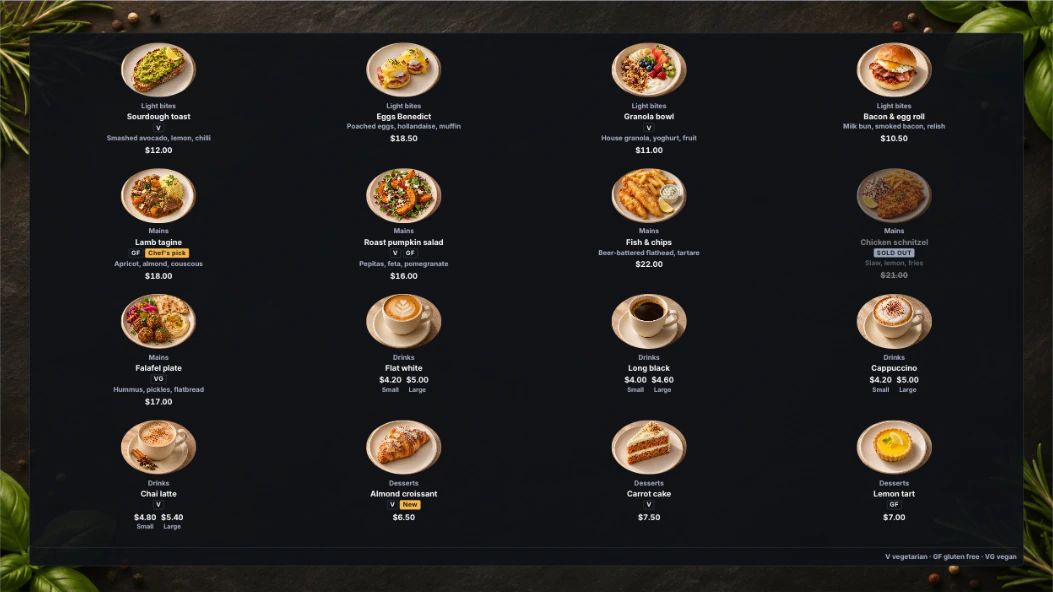
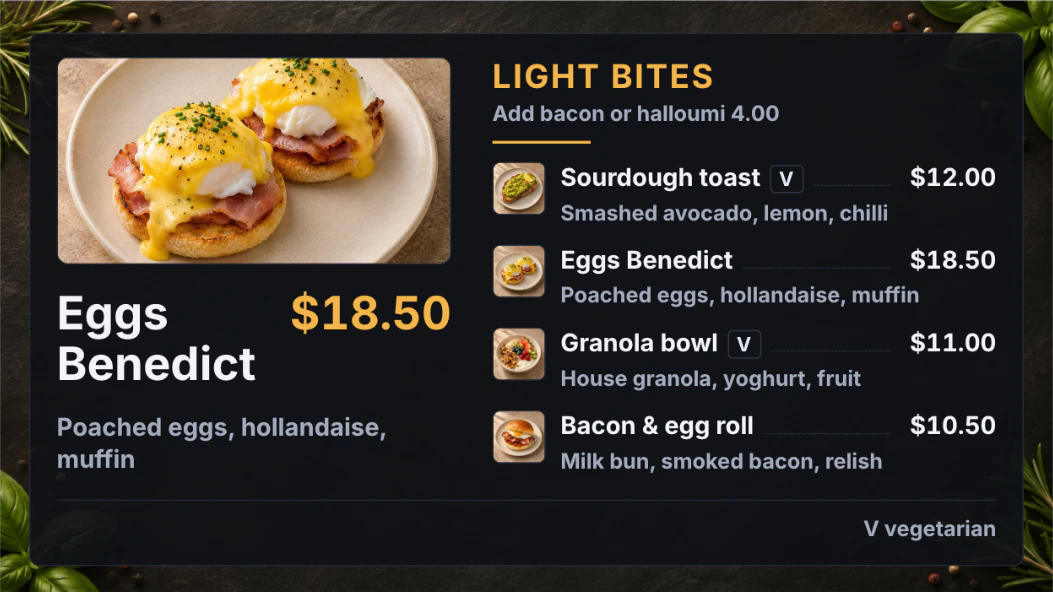

What Makes It Different
Up to three photos per dish
Add up to three photos to each dish and they take turns with a fade, slide or zoom. Show a large photo for a featured dish.
Diet marks, badges and calories
Mark dishes V, VG, GF, DF, halal or spicy, add a badge such as "Chef's pick", and show calories. The footer explains each mark.
Sold out in two clicks
Tick Sold out and the dish is dimmed with its price struck through, or hidden, so customers stop ordering it.
Holiday designs on the right dates
Pick Christmas, Ramadan, Diwali, Lunar New Year or other holidays. The menu switches design before each one and back after it.
One menu across three screens
Spread a long menu across two or three screens side by side. Each screen shows its share, and no section is split.
Runs without internet
The menu, fonts and photos are stored on the screen, so the menu keeps playing if your connection drops.
About This App
The Menu Board app is digital menu board software built into EasySignage. It turns any screen running the EasySignage player into a digital signage menu board for your café, restaurant or bar. You type each dish with its section, price, description and photo, and the app lays out the whole menu in columns that fit the screen. You don’t need a third-party menu service or a designer.
It suits menus above a counter, in a shop window, at a queue or beside a drive-thru, anywhere customers choose what to order in a few seconds. For three example setups, and what a full digital menu board system costs, see Digital Menu Boards for Restaurants, QSRs and Coffee Shops.
If you already design menus in DsMenu or MustHaveMenus, you can show them with the DsMenu or MustHaveMenus app instead.
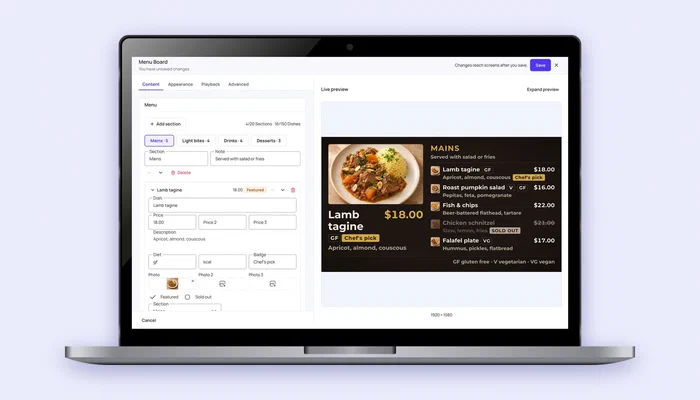
Type your menu once
- Up to 150 dishes in up to 20 sections
- Up to three prices per dish, for example Small, Medium and Large
- Prices shown with your currency symbol
- A sample menu of 16 dishes with photos to start from
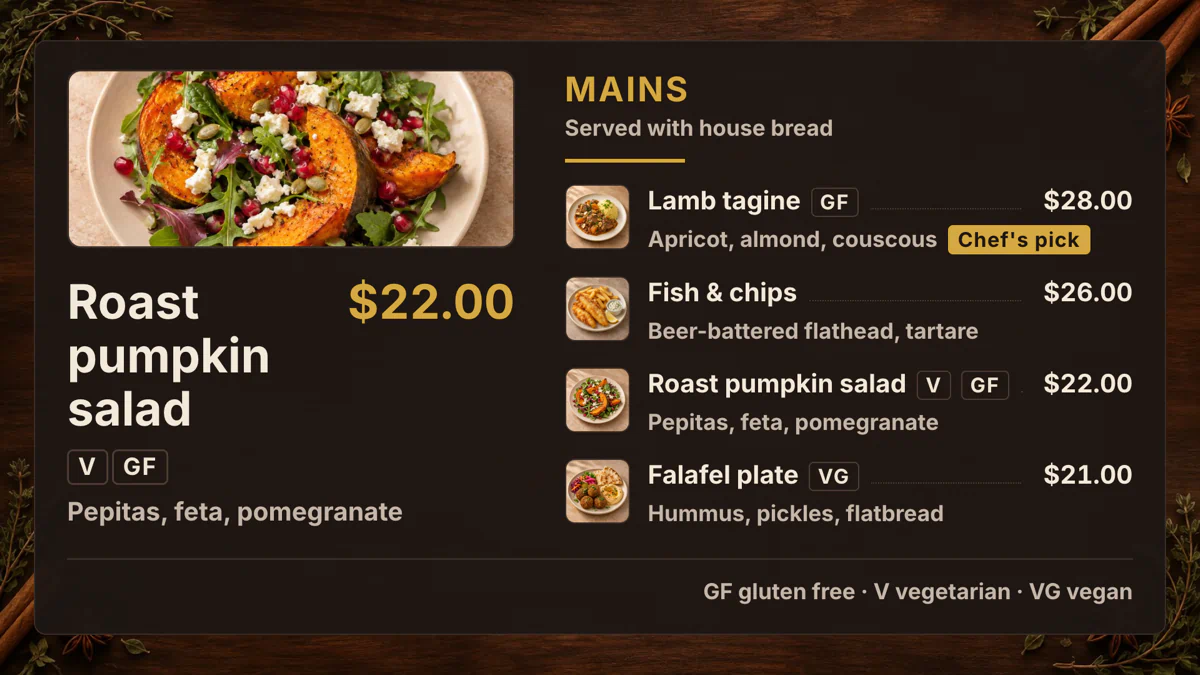
Three ways to show your menu
- The whole board: every section on one screen
- One section at a time: each section fills the screen in turn
- A featured dish and its section: a large photo next to the rest of the section
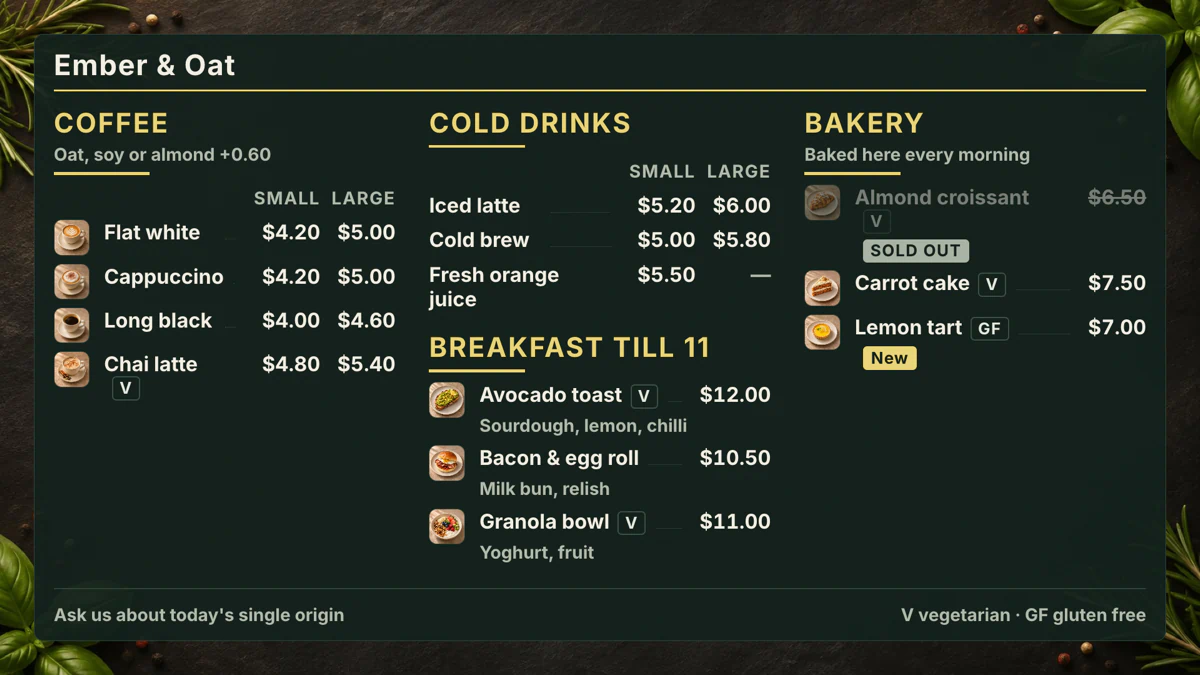
Make it match your venue
- Classic list or Photo grid design
- Dark, Chalkboard, Light and Bistro themes
- A panel or text shadow keeps text readable over photos
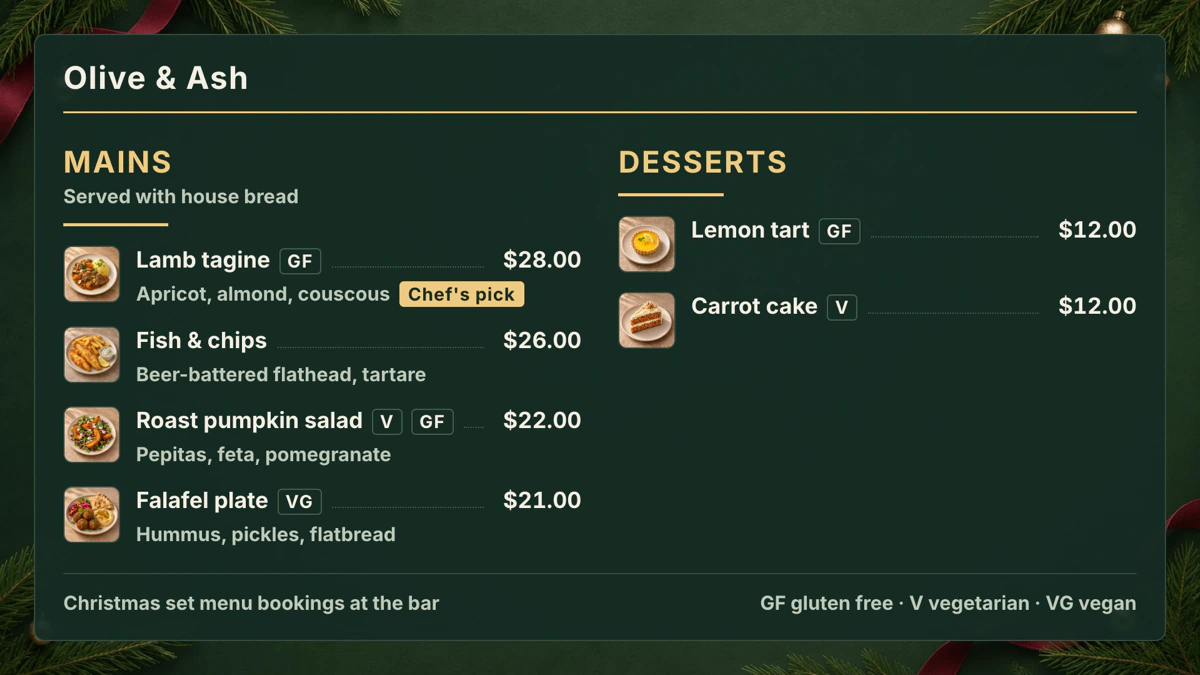
Holiday designs that switch by themselves
- Christmas, New Year, Easter, Halloween and Valentine’s Day
- Ramadan, Eid, Diwali and Lunar New Year
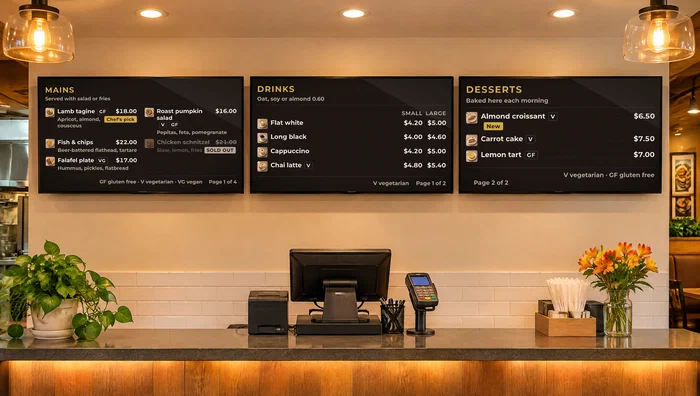
One long menu across two or three screens
- Set the screen number on each item, such as Screen 2 of 3
- Or let one playlist feed every screen by reading the number from a player tag
Key Features
Fits landscape, portrait and any layer size, from full screen to a sidebar
Picks a compact view by itself in a small layer, such as a footer strip
Show a different menu at breakfast and lunch with playback times
Labels such as "Sold out" in the language you choose
Western or Arabic-Indic numerals, and a font with Arabic letters
Optional dietary legend and footer line, such as "Ask us about allergens"
Frequently Asked Questions
v, vg, gf, df, halal or spicy, and the screen shows a short mark such as V or GF next to the dish, with a legend in the footer.Need help setting up?
Follow the step-by-step setup guide to get started quickly.