HTML Embedded App
The HTML Embedded App enables you to seamlessly integrate hundreds of external web apps or build your own interactive web experiences. Enhance your digital signage system with dynamic, customizable content.
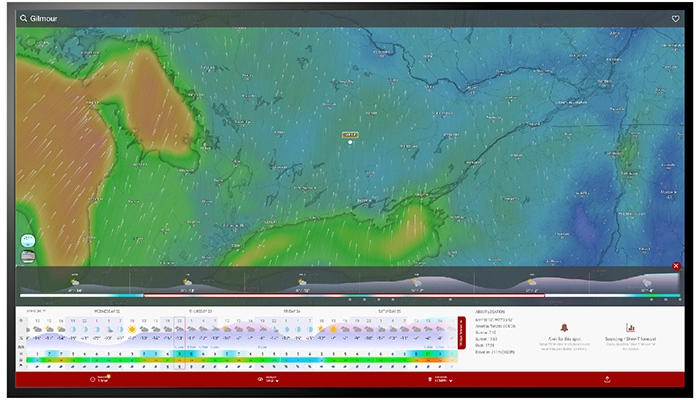
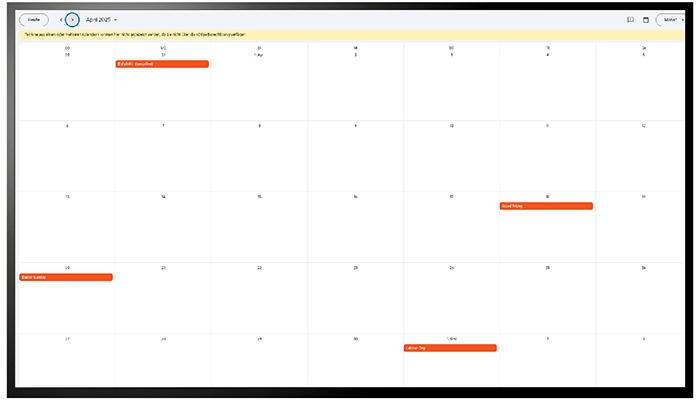

About This App
Using integrated HTML app code in combination with EasySignage is a great approach to show custom-made apps on digital signage devices.
HTML is a popular computer language for creating dynamic and interactive content such as videos, animations, and personalised web sites. Businesses may create customised apps or visualisations that can be shown on screens attached to digital signs by integrating HTML code into EasySignage. For example, a corporation may create a custom app that shows real-time updates from social media platforms or a live broadcast of an event sponsored by the company.
If this software is integrated with EasySignage, it will be simple to display it on digital signage devices situated around the firm. Moreover, the usage of integrated HTML apps may provide businesses greater flexibility and control over the digital signage displays they utilise. This helps organisations to offer content that is both different and entertaining, while still matching their own standards.
Overall, integrating HTML apps with EasySignage is a productive way to generate customised and dynamic information. This kind of content may help businesses engage their audiences and improve the customer experience for people who connect with the brand.
Key Features
Embed any HTML code or web app directly into your digital signage screens
Build custom interactive experiences, animations, live data, branded widgets, and more
Integrate third-party web apps and tools without needing additional hardware
Full control over the embedded content; design and code it exactly as needed
Supports JavaScript, CSS, and any standard web technologies
Display embedded content fullscreen or alongside other content in a multi-zone layout
Ideal for developers and teams that need custom or unique signage experiences
Need help setting up?
Follow the step-by-step setup guide to get started quickly.