Dynamic Canva
With EasySignage's Dynamic Canva integration, you can seamlessly embed your designs, and any changes made in Canva will automatically update on your digital signage screens in real-time. No downloads or uploads needed.
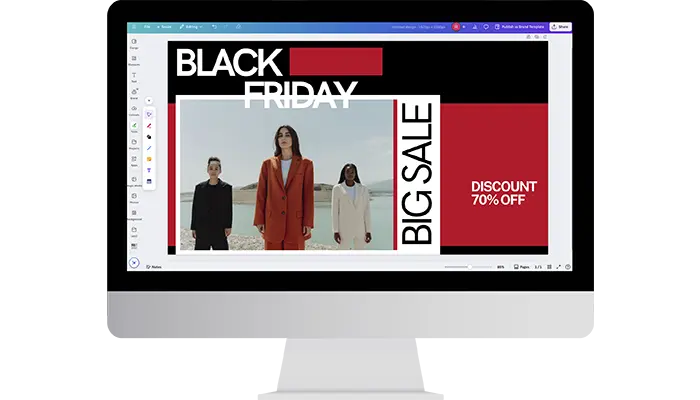
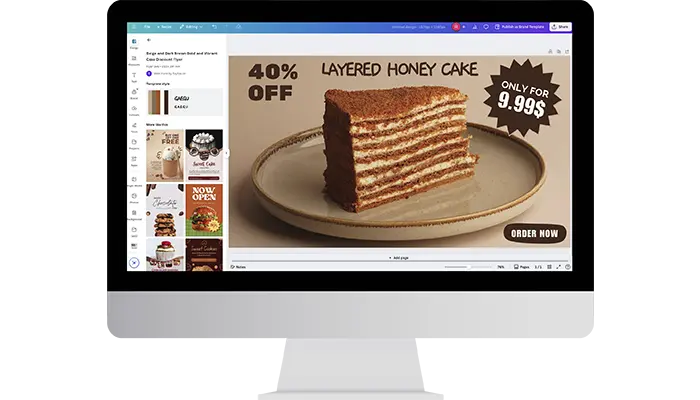
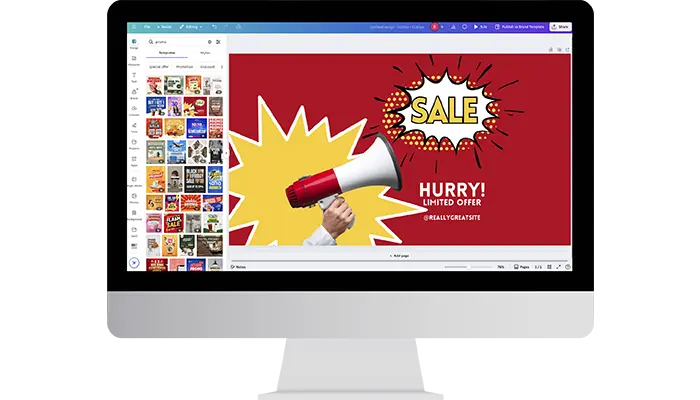

About This App
Integrating EasySignage with the Dynamic Canva App takes content management to the next level by enabling real-time updates without the need to download or re-upload files. Canva, known for its intuitive drag-and-drop interface and extensive library of over 600,000 templates, makes designing stunning visuals fast and effortless.
With this dynamic integration, your Canva designs can be embedded directly into EasySignage, ensuring that any changes made in Canva are instantly reflected on your digital signage screens.
All you need to do is copy the Embed Code from your Canva design and paste it into the Dynamic Canva App within EasySignage. Your content will be displayed and updated automatically; EasySignage takes care of the rest.
You can also control the refresh interval in minutes, allowing the app to reload at your preferred rate to capture design updates from Canva in near real-time.
This seamless connection eliminates manual steps, saving time and keeping your content fresh and up to date. Whether you’re updating a menu, changing a promotional banner, or tweaking internal communications, your edits in Canva automatically sync with your screens, no additional effort is required.
EasySignage simplifies screen management, while Canva empowers users to create professional, on-brand visuals with ease. Together, they offer a powerful solution for businesses seeking dynamic, flexible, and efficient digital signage.
From quick edits to ongoing campaigns, the integration between Canva and EasySignage allows businesses to react faster, stay relevant, and deliver visually engaging messages across any location.
Key Features
Embed any Canva design directly into EasySignage using the Canva embed code
Changes made in Canva sync automatically to your screens; no re-uploading needed
Set a custom refresh interval so screens always display your latest Canva edits
Update menus, banners, and promotions in Canva and see them live on screens instantly
No file downloads or manual uploads, the connection is always live
Ideal for businesses that update content frequently across multiple locations
Need help setting up?
Follow the step-by-step setup guide to get started quickly.