Black Friday Promo Code
Show your Black Friday offer, a promo code and a QR code that opens your sale page. Tag each visit with the screen it came from, so your analytics show which screens bring in shoppers.

About This App
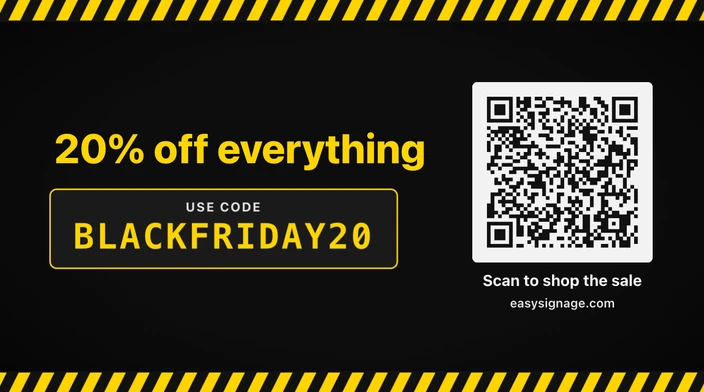
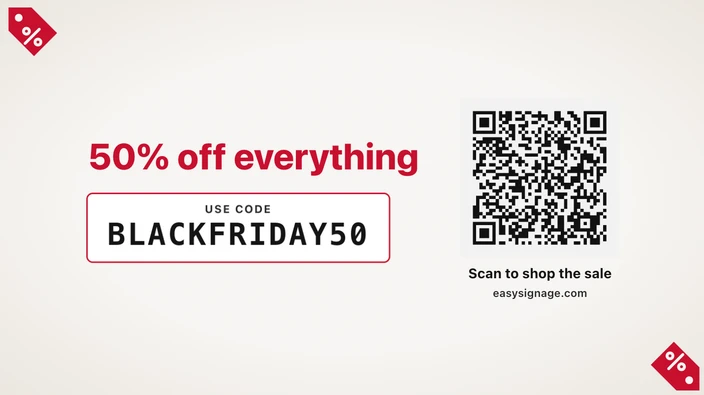
The Black Friday Promo Code app shows one offer, your promo code and a QR code that opens your sale page. Someone walking past can scan the code with their phone camera and land on your sale, or remember the promo code and type it at the checkout.
It suits shop windows, waiting areas, receptions and anywhere people have a moment to take out their phone, and it brings shoppers from the screen in front of them to your online store.
Offer, code and QR code
The offer is the largest line on the screen, so keep it short, such as “20% off everything”. The promo code sits underneath in large monospaced capitals, so it’s easy to read and copy. Leave the code empty to show the QR code on its own. Under the QR code, a line tells people what to do, “Scan to shop the sale” by default, and you can print the web address as well for anyone without a camera to hand.
See which screen sent each visit
Turn on campaign tagging and the app adds tracking tags to the QR code link, including the name of the screen it plays on. Your website analytics then show how many visits came from your screens, and which screen sent each one, so you can see which locations work best. Tags already in your link are kept.
Make it fit the screen
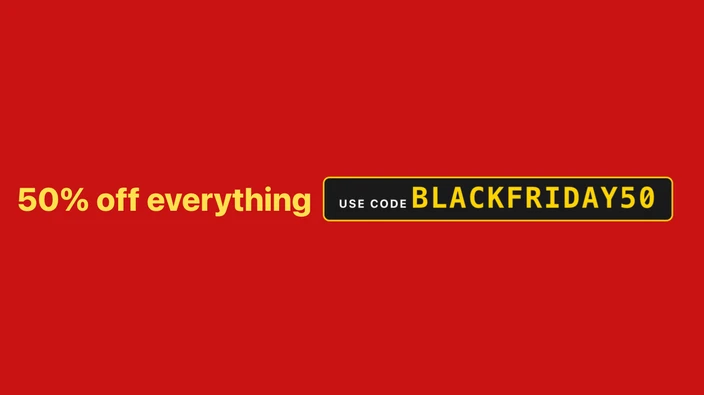
Choose one of four themes: Black & yellow, Neon, Clean or Minimal. Show it full screen, as a card, as a one-line strip, or as a small badge in a corner. You can use your own brand colours and choose the QR code’s colours, and the app keeps the code dark on light so phones can still read it.
The app has no sale dates of its own, so schedule it in your playlist for the days of your sale. Pair it with the Black Friday Deals and the Black Friday Countdown. To share any link as a QR code all year, use the QR Code Generator.
Key Features
Show your offer, such as "20% off everything", as the biggest line on the screen
Display your promo code in large, easy-to-copy letters
Add a QR code that opens your sale page when someone scans it
Tag every visit with the campaign and the screen name for your analytics
Choose the Black & yellow, Neon, Clean or Minimal theme
Runs on the screen without an internet connection, in landscape or portrait
Need help setting up?
Follow the step-by-step setup guide to get started quickly.