Black Friday Countdown
Show shoppers how long is left until Black Friday, with your offer in a bold badge above the timer. The app works out the date itself and starts again for next year.

About This App
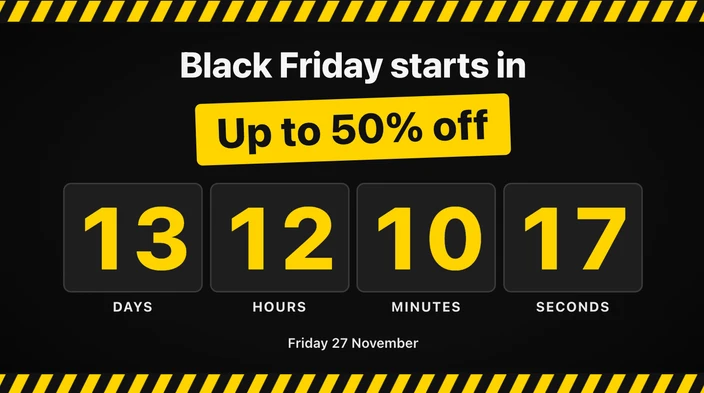
The Black Friday Countdown app shows how long is left until Black Friday on your digital signage. A headline such as “Black Friday starts in” sits above a badge with your offer, for example “Up to 50% off”, and the timer counts down underneath, with the date below it. You don’t enter a date: the app works out the next Black Friday itself, and after the sale it starts counting to next year’s.
It suits shop windows, checkout queues, shopping centre screens and restaurant menu boards, anywhere a countdown to the sale can bring people back on the day.
Make the offer the focus
The offer badge is the largest text on the screen after the numbers, so people walking past see the discount and the time left together. Change the headline and the offer to match your sale. If your sale starts at a different moment, such as an early-access evening, set your own date and time instead.
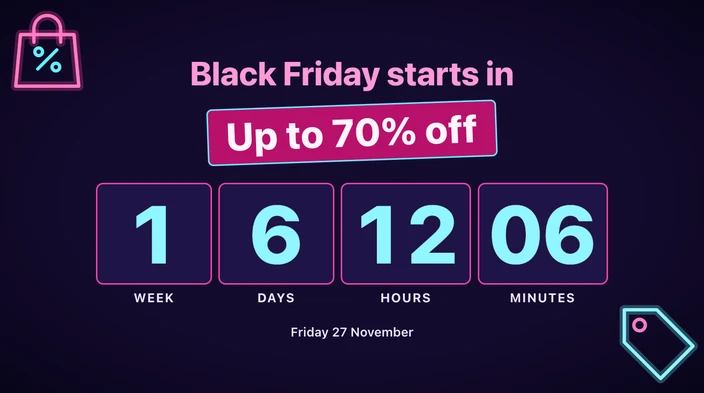
Choose what the timer shows: days only, days and hours, or down to the second. When the sale is more than a week away, it can add weeks. In the last 24 hours the numbers change to the accent colour, and in the last 60 seconds one large number counts down the final seconds.
Choose a look
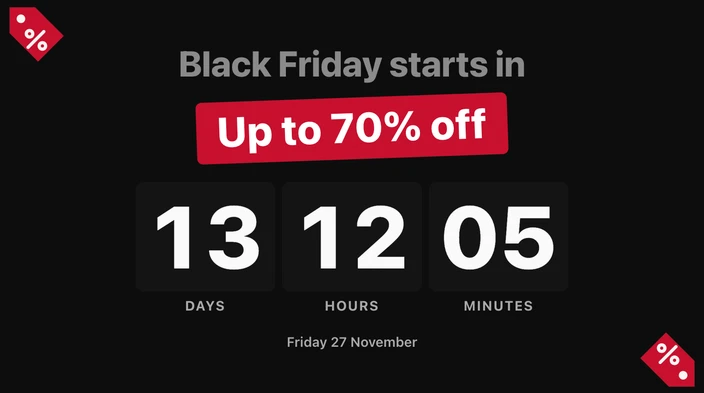
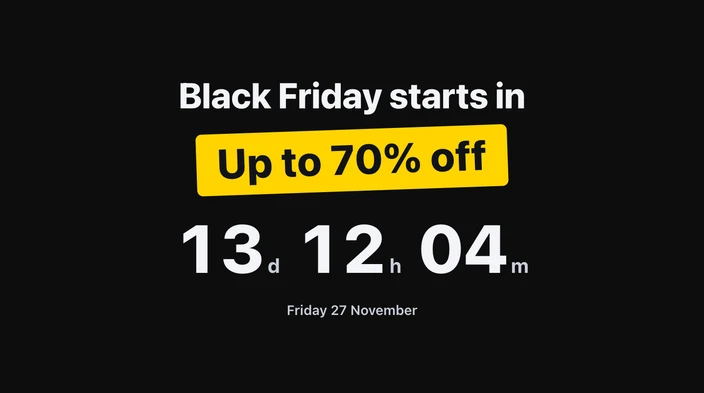
Choose one of four themes: Black & yellow, Neon, Clean, or Minimal (no decorations). Show the time as large number tiles, as one line of numbers such as “13d 12h 04m”, or as rings.
Show the countdown full screen, as a card, as a one-line strip for a footer or ticker area, or as a small badge in a corner. Set the background to transparent and your other content keeps playing underneath, with a shadow, outline or panel to keep the numbers readable. You can also use your own brand colours and show the words on screen in another language.
When the sale starts
At zero, the screen shows your message, then starts counting to next Black Friday. You can make it count up, hide, or stay at zero instead. The countdown uses each screen’s own clock and time zone, or a fixed time zone you choose.
For a date that isn’t Black Friday, use the Countdown app. For the season after it, see the Christmas Countdown and the New Year Countdown.
Key Features
Counts down to the next Black Friday without you typing a date, then starts again for next year
Show your offer, such as "Up to 50% off", in a badge above the timer
Add weeks to the timer when the sale is more than a week away
Choose the Black & yellow, Neon, Clean or Minimal theme
Show it full screen, as a card, as a one-line strip or as a corner badge
Runs on the screen without an internet connection, in landscape or portrait
Need help setting up?
Follow the step-by-step setup guide to get started quickly.